# Jetbrains Proxy Setup
Use this guide when your network requires a proxy for [outbound traffic to Aikido](https://help.aikido.dev/ai-and-dev-tools/ide-plugins-overview/troubleshooting/troubleshooting-ide-plugin-connectivity) in JetBrains IDEs.
## Configuration
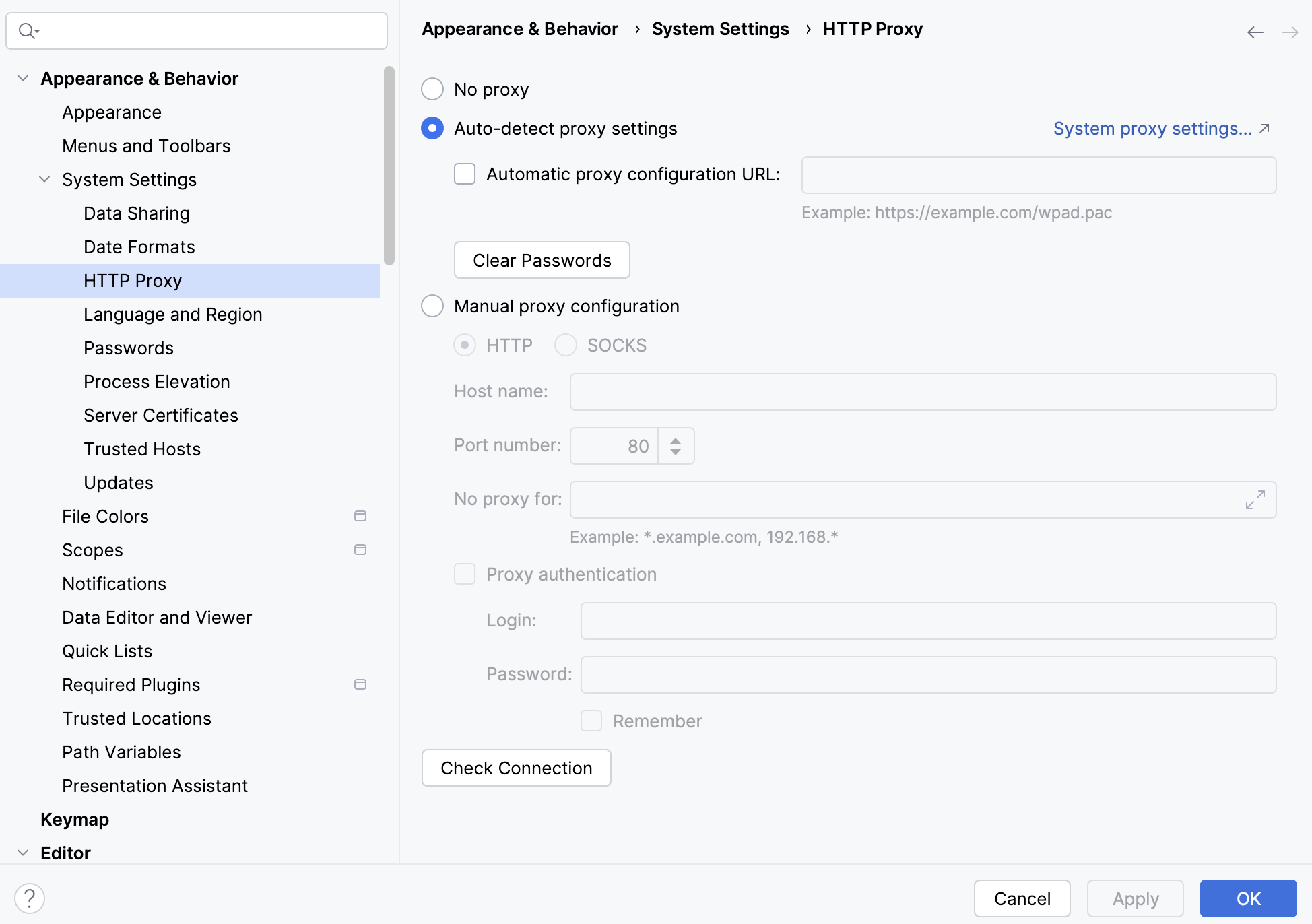
1. Open `Settings` (`File -> Settings` on Windows/Linux, IDE menu -> `Settings` on macOS).
2. Go to `Appearance & Behavior -> System Settings -> HTTP Proxy`.
3. Choose `Manual proxy configuration`.
4. If using manual mode, fill in proxy `Host` and `Port`.
5. If required, enable `Proxy authentication` and add username/password.
6. Click `Check connection` with `https://app.aikido.dev`.
7. Save and restart/reload the IDE.
8. Open/save a file to trigger an Aikido scan.
### If Your Company Uses TLS Inspection
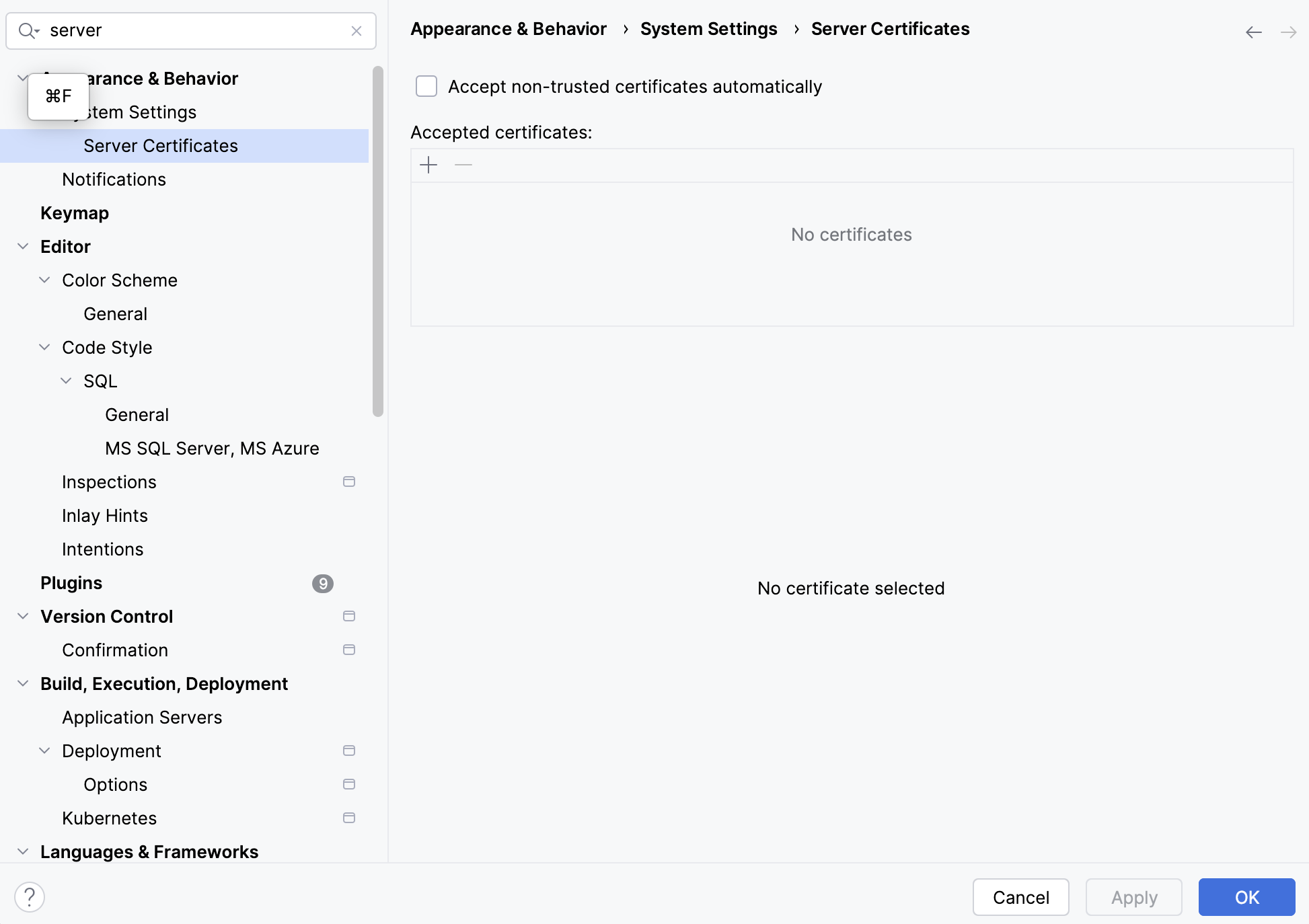
If your proxy re-signs certificates, import your corporate CA in JetBrains:
1. Open settings and search for `Server Certificates`.
2. Import your corporate CA certificate (`.pem`/`.crt`).
3. Apply and restart the IDE.
### How to Verify Connection
* IDE proxy `Check connection` succeeds.
* Aikido scans run after open/save without connection errors.
* SCA/dependency analysis completes.
* No proxy auth or TLS trust errors in IDE logs.
### Common Fixes
* **`407 Proxy Authentication Required`**
* Re-check proxy credentials in `HTTP Proxy`.
* Confirm auth method (basic vs integrated/SSO) with IT.
* **TLS errors (`self-signed`, `PKIX`, `unable to verify`)**
* Import/update corporate CA in `Server Certificates`.
* Restart IDE.
* **Proxy not used**
* Ensure `No proxy` is not selected.
* If using auto-detect, confirm your PAC/WPAD setup is reachable on your network/VPN.
* If auto-detect fails, switch to manual settings from IT (host/port).
* Re-check host/port and retry `Check connection`.
* If centrally managed, verify JVM proxy properties are applied to this IDE instance.