> For the complete documentation index, see [llms.txt](https://help.aikido.dev/llms.txt). Markdown versions of documentation pages are available by appending `.md` to page URLs; this page is available as [Markdown](https://help.aikido.dev/code-scanning/scanning-practices/malware-detection-in-open-source-dependencies.md).
# Malware Detection in Open-Source Dependencies and Containers
#### Malware Detection in Open-Source Dependencies
When you connect your **code repositories** to Aikido, it will scan all installed packages for malware, such as obfuscated code, code that unexpectedly exfiltrates data to an unknown server, code that attempts to execute commands during installation on the developer's machine or installs bitcoin miners.
\
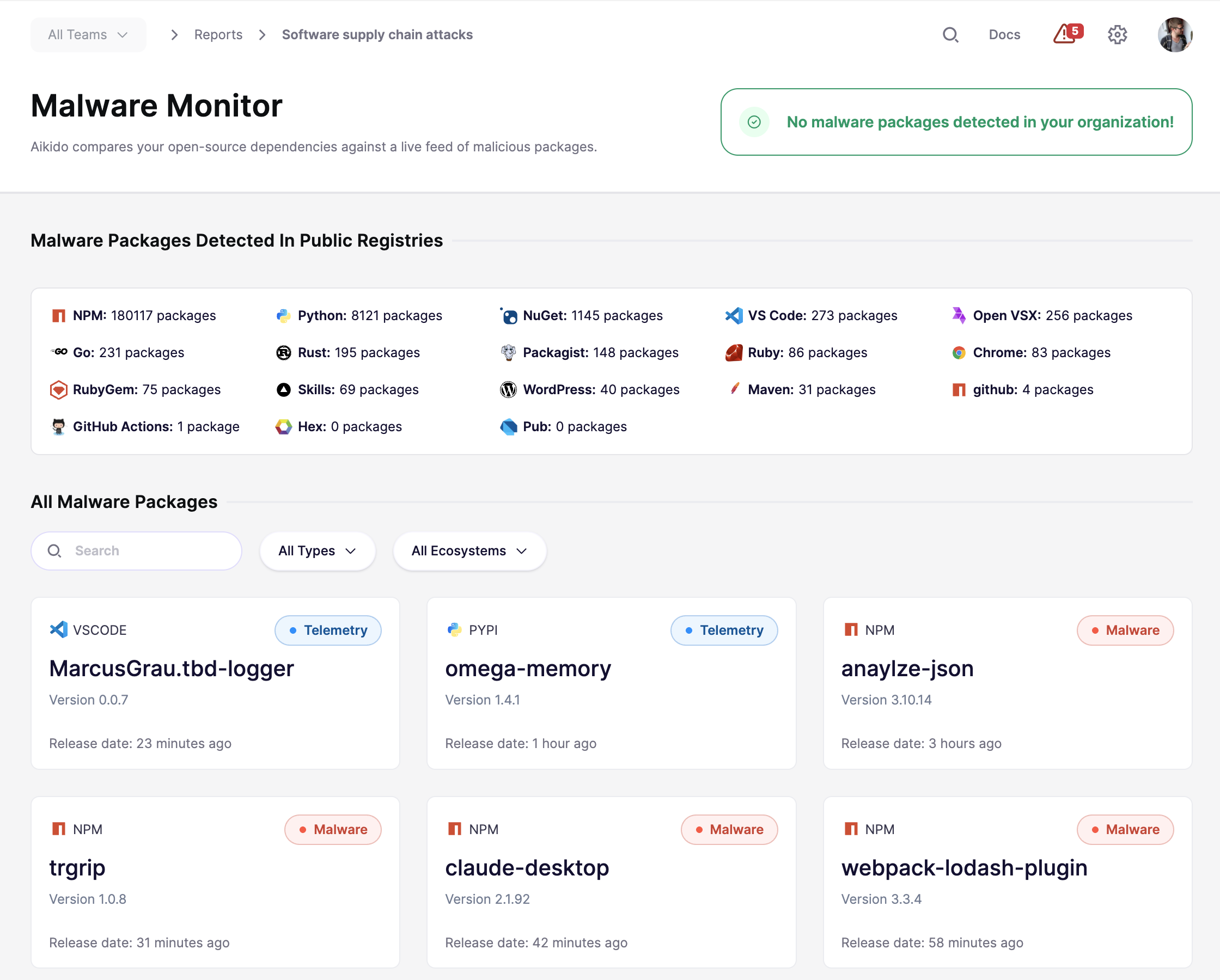
This functionality is automatically enabled on **Pro Plans and above**. Aikido processes **100k+ packages per day** in search for malicious ones. To view the latest statistics, [click here](https://intel.aikido.dev/malware).
15 Ecosystems Supported
* NPM
* PyPI
* GitHub Actions
* Packagist
* Ruby
* VS Code
* Open VSX
* NuGet
* Maven
* Chrome
* Rust
* Go
* WordPress
* Skills
* Drupal
#### Check Whether You Are Exposed
You can check whether malicious packages affect your environment in the [Malware Monitor](https://app.aikido.dev/reports/malware/software-supply-chain-attacks) under **Reports** → **Malware Monitor**.
#### Malware Detection in Containers
As an extra measure, we also scan for malware in your containers. This is important as there is not always a code-related Lockfile that would flag the malware or when your organization pulls from public or private registries before they ever reach production.
Container malware scanning is automatically enabled on the Pro plan and runs continuously as new container images are introduced into your environment.
#### Prevent Malware During Installation with Safe Chain
If you want to stop malicious packages before they are ever installed on the developer's workstation, use [Safe Chain](/code-scanning/aikido-malware-scanning.md).
Safe Chain adds protection directly to your package installs. It checks packages and nested dependencies during install and blocks known malicious behavior such as obfuscated code, data exfiltration, install scripts, and crypto miners.
This complements malware detection in repositories and containers. It helps you catch threats earlier in the developer workflow, before they reach your codebase, CI, or production systems.
---
# Agent Instructions
This documentation is published with GitBook. GitBook is the documentation platform designed so that both humans and AI agents can read, navigate, and reason over technical content effectively. Learn more at gitbook.com.
## Querying This Documentation
If you need additional information that is not directly available in this page, you can query the documentation dynamically by asking a question.
Perform an HTTP GET request on the current page URL with the `ask` query parameter, and the optional `goal` query parameter:
```
GET https://help.aikido.dev/code-scanning/scanning-practices/malware-detection-in-open-source-dependencies.md?ask=&goal=
```
`ask` is the immediate question: it should be specific, self-contained, and written in natural language.
`goal` is optional and describes the broader end goal you are ultimately trying to accomplish on behalf of the user. GitBook uses it to tailor the answer towards what is most useful for that goal.
The response will contain a direct answer to the question and relevant excerpts and sources from the documentation.
Use this mechanism when the answer is not explicitly present in the current page, you need clarification or additional context, or you want to retrieve related documentation sections.