
Image scanning for Sonatype Nexus Repository
You can connect your Sonatype Nexus Repository with Aikido to scan your containers for known vulnerabilities.
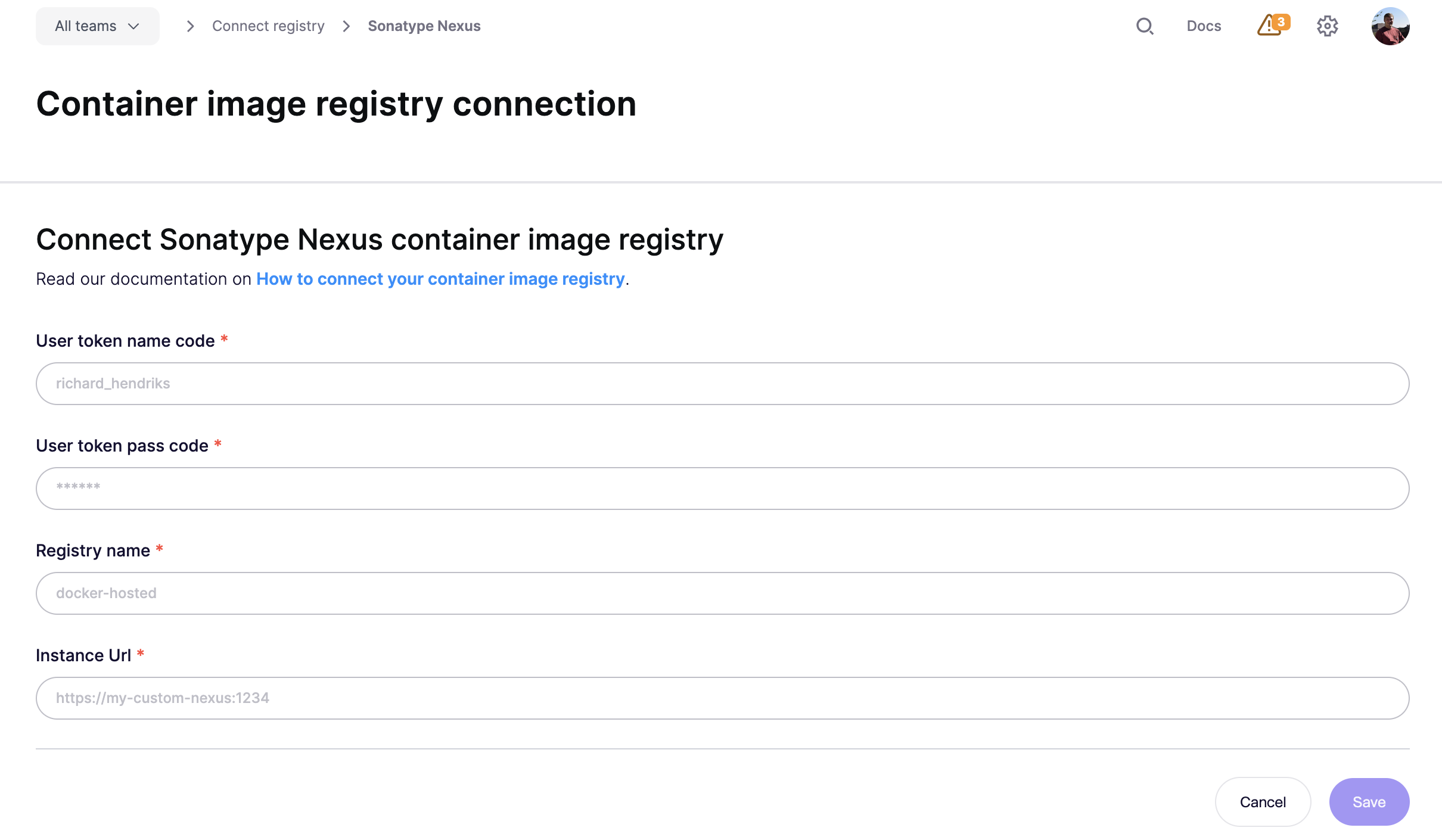
Follow the simple steps below to activate this feature:
Step 1: Log into your Sonatype Nexus Repository. We'll have to gather the instance url, the registry name and credentials
The instance url is the url that you need to access your Sonatype Nexus Repository. This includes http(s):// and the port of your instance. For example: https://my-awesome-nexus-repository.com:8081
The registry name is the name of the hosted docker repository of which we should scan your images. This can be found when browsing your repositories.

In this example the name of the registry is docker-hosted
The credentials can be either User tokens (recommended) or User credentials.
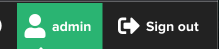
Go to your profile in the upper-right corner
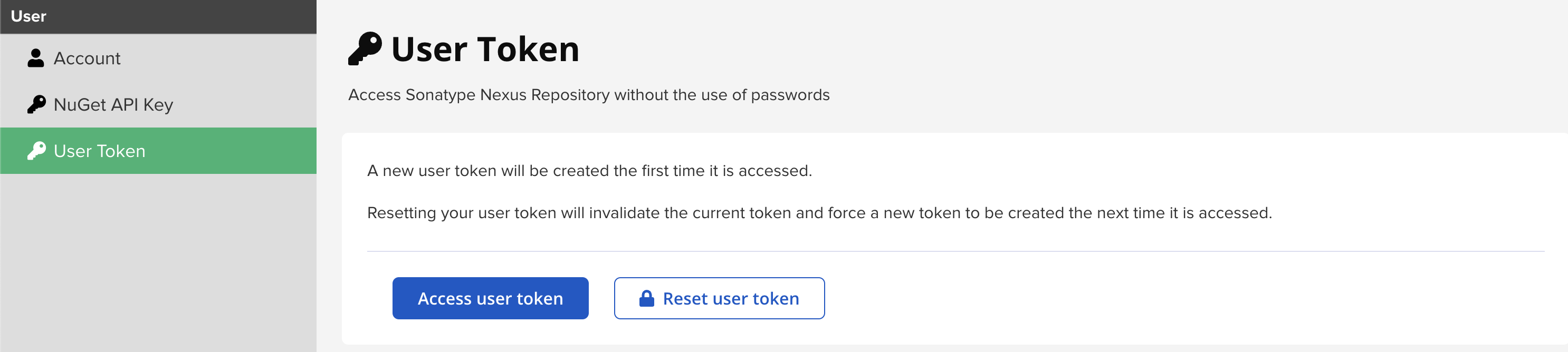
In the left sidebar, click User token. Then click the "Access user token"-button
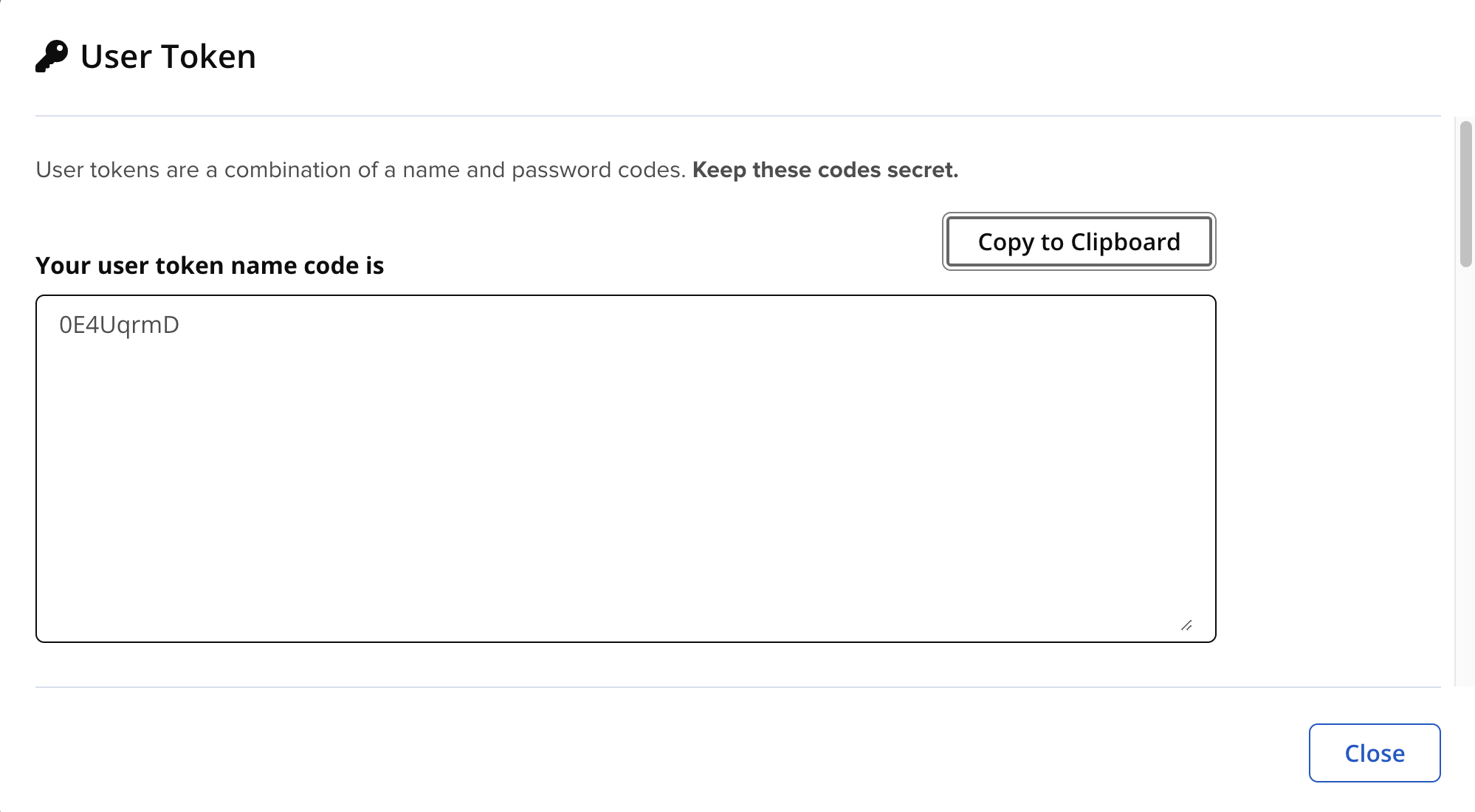
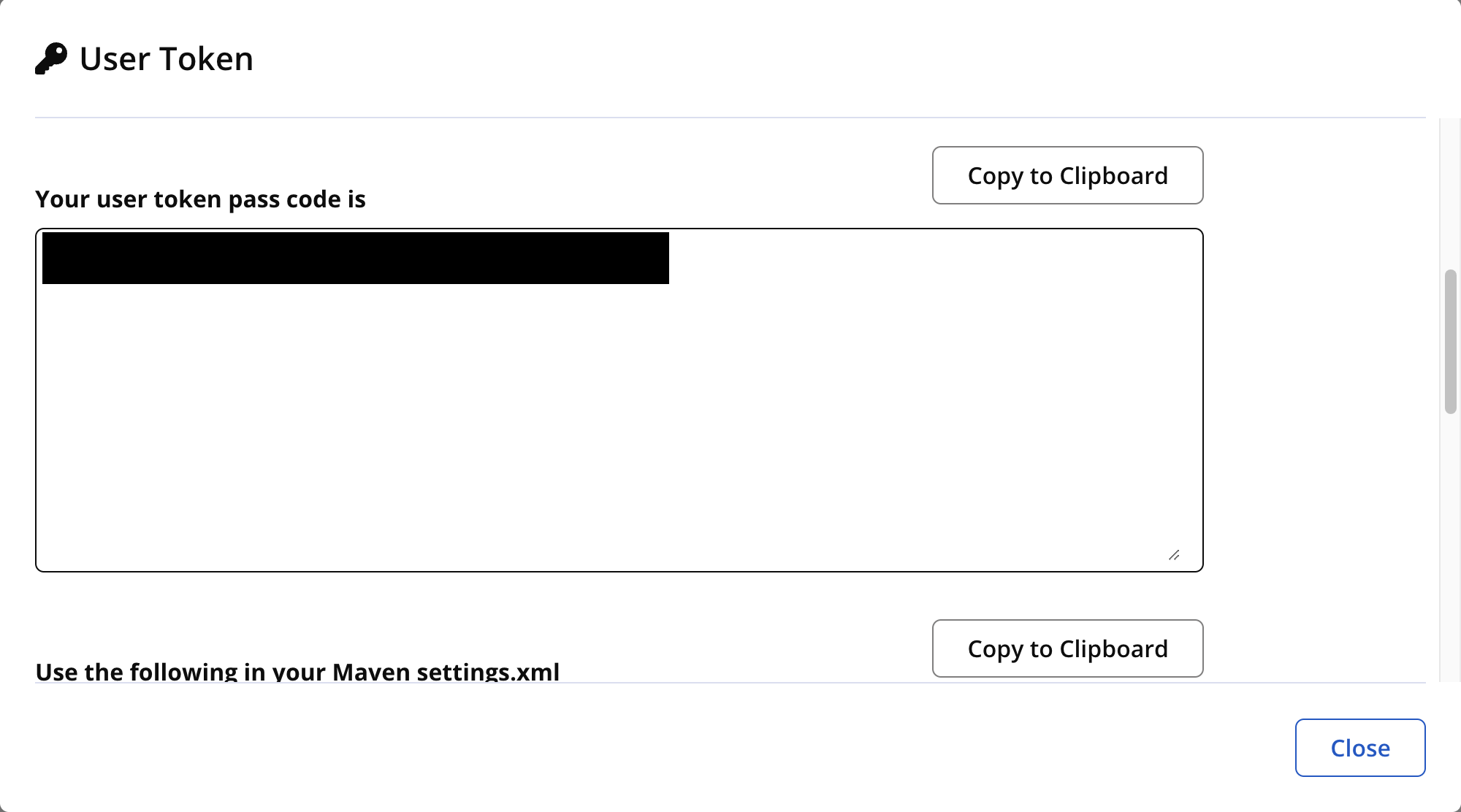
Authenticate and get the user token name code and the user token pass code from the modal
Note: When User tokens are not enabled in your Sonatype Nexus Repository, you can also use your login credentials. We do not recommend this since using user tokens are generally safer and easier to reset.
Step 2: Enter the collected data into the matching fields and click save
Step 3: Aikido will now find all container repositories you can access and list them.
Step 4: Repositories can be linked to a code repository in order to perform better deduplication of findings. This step is optional!
Step 5: In the action menu next to the registry, click 'scan repos in registry' to get started. Results will appear in the Feed!