> For the complete documentation index, see [llms.txt](https://help.aikido.dev/llms.txt). Markdown versions of documentation pages are available by appending `.md` to page URLs; this page is available as [Markdown](https://help.aikido.dev/docs/docs-ja/kdosukyan/scanning-practices/ignore-via-code-with-aikido-files.md).
# .aikidoファイルによるスキャン設定
その `.aikido` このファイルを使うと、Aikido が特定のリポジトリをどのように扱うかを細かく調整できます。Aikido は各スキャン時にこれを自動的に読み込みます。
## デフォルトの動作とカスタマイズ
Aikido はデフォルトで、依存関係フォルダー、ビルド出力、生成ファイル、ロックファイル、バイナリ、メディアなど、多くの不要なファイルやディレクトリをすでに除外しています。ほとんどのリポジトリでは、追加の設定は必要ありません。
使用してください `.aikido` リポジトリ固有の例外や動作が必要なときに使います。一般的な用途には、特定のパスの除外、理由付きで受け入れ済みの CVE を無視すること、そのリポジトリの AutoFix の動作にカスタムコンテキストを与えることが含まれます。
## .aikido ファイルの設定
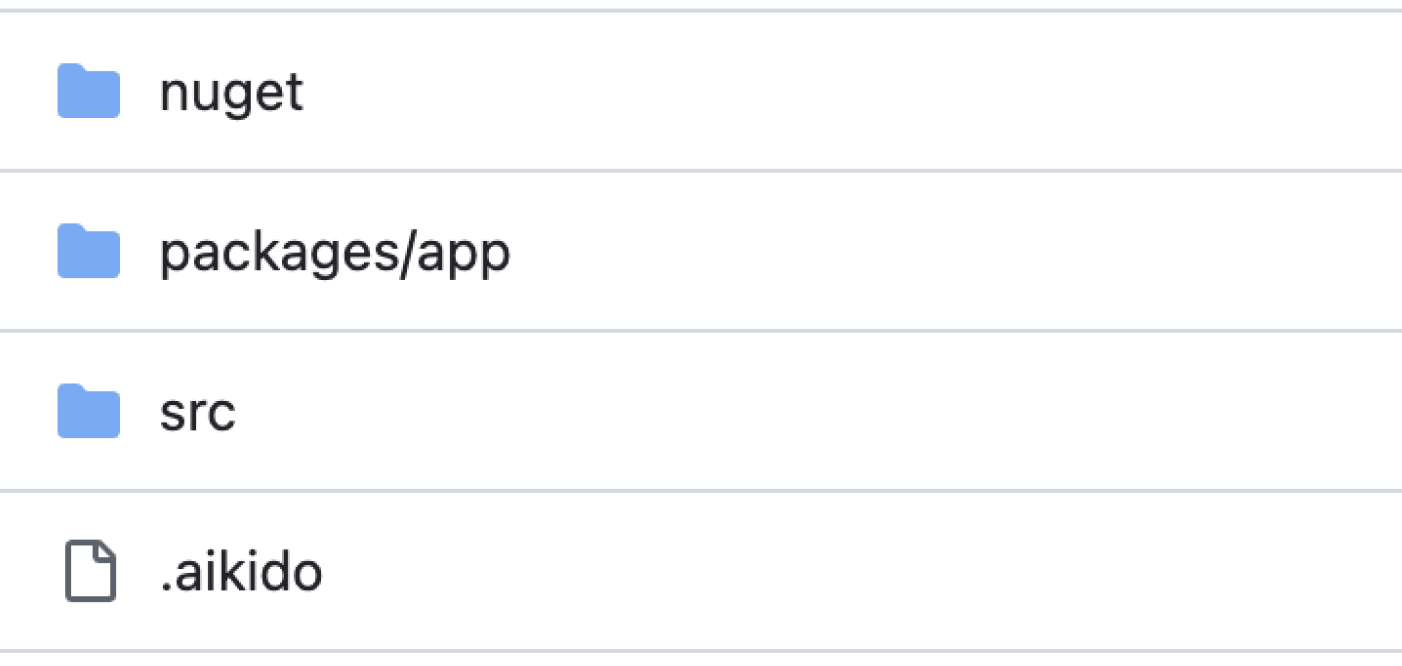
作成します `.aikido` ファイル **リポジトリのルート内に**.
### 特定のパスやファイルを除外する
その `除外` キーと `パス` サブキーを使うと、Aikido のコードスキャンで特定のファイルやディレクトリをスキャン対象から隠せます。これにより自動的に **シークレット、SAST の問題、ロックファイル、コード品質、Deep Review のスキャンが除外されます。**
{% hint style="info" %}
**注意:** 〜におけるパスマッチング `.aikido` は〜に基づいています **単純な文字列の包含**.
設定された値が完全なファイルパスのどこかに現れると、そのファイルは除外されます。\
ワイルドカードと正規表現は **サポートされていません**.
{% endhint %}
```yaml
除外:
パス:
- src/useless-folder
- docs/example.js
- .gen.ts
```
### CVE を無視する
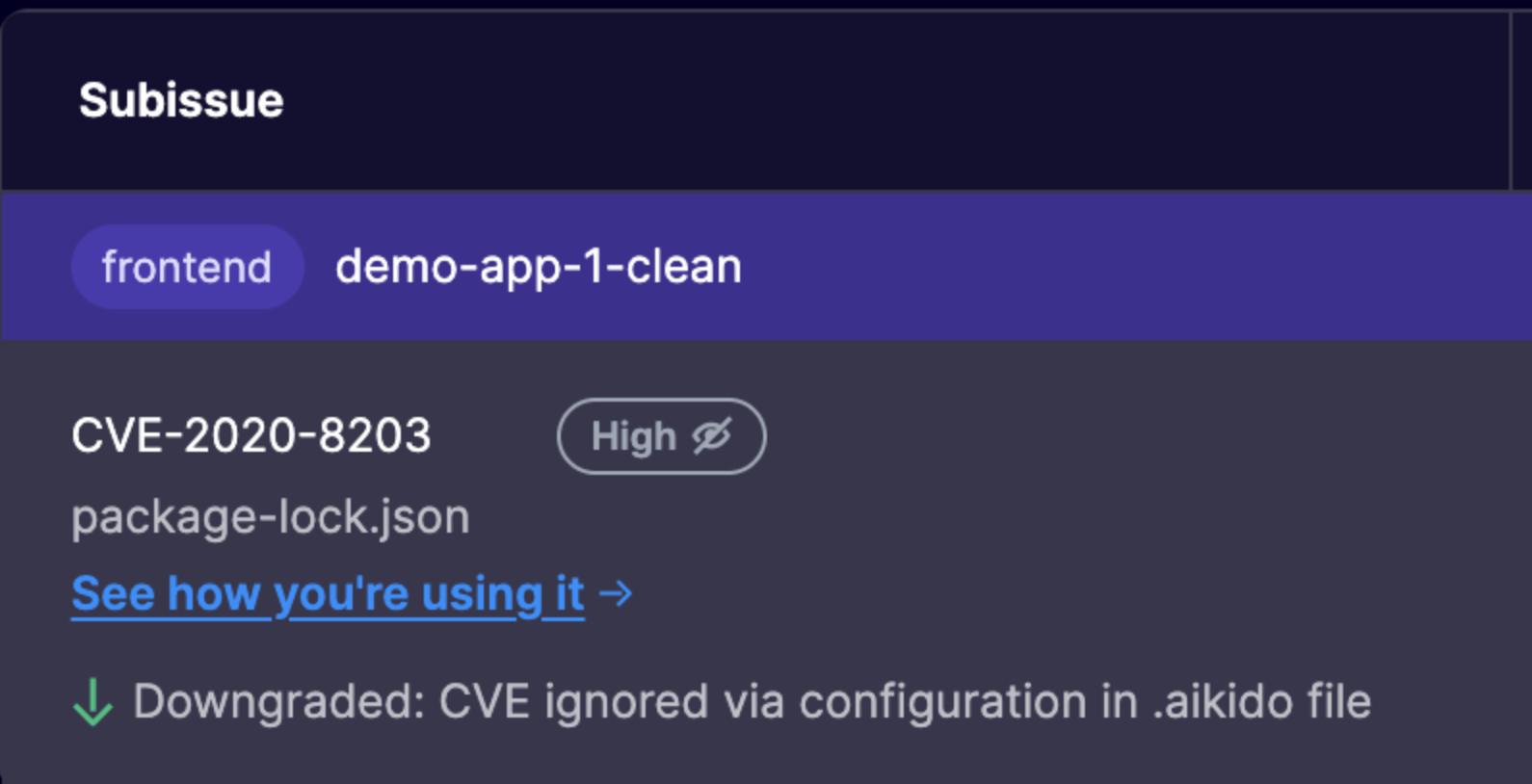
CVE を無視するには、次のものに追加します `.aikido` 理由を YAML ファイルに記載します。Aikido の UI でも、これらの特定の CVE が無視されていることが、次のものを参照して表示されます `.aikido` ファイルを入力します。
```yaml
無視:
CVE:
CVE-2020-8203:
理由: この CVE は重要ではありません
CVE-2025-22869:
理由: こちらで対応します
```
## 代替の無視方法
**コードコメントで SAST を無視する**
無視することも可能です [コード内のコメントを使って SAST の検出結果を無視する](/docs/docs-ja/kdosukyan/scanning-practices/excluding-sast-findings-using-comments.md).
### その他の .aikido の使用例
その `.aikido` このファイルでは、リポジトリ固有の AutoFix の動作も設定できます。
これを使って、カスタムのブランチプレフィックスや、リポジトリ全体で 1 つの AutoFix PR などの設定を定義します。
参照 [AutoFix PR の設定](/docs/docs-ja/autofixto/configure/autofix-pr-configuration.md) サポートされている `AutoFix` 設定と例。
---
# Agent Instructions
This documentation is published with GitBook. GitBook is the documentation platform designed so that both humans and AI agents can read, navigate, and reason over technical content effectively. Learn more at gitbook.com.
## Querying This Documentation
If you need additional information that is not directly available in this page, you can query the documentation dynamically by asking a question.
Perform an HTTP GET request on the current page URL with the `ask` query parameter, and the optional `goal` query parameter:
```
GET https://help.aikido.dev/docs/docs-ja/kdosukyan/scanning-practices/ignore-via-code-with-aikido-files.md?ask=&goal=
```
`ask` is the immediate question: it should be specific, self-contained, and written in natural language.
`goal` is optional and describes the broader end goal you are ultimately trying to accomplish on behalf of the user. GitBook uses it to tailor the answer towards what is most useful for that goal.
The response will contain a direct answer to the question and relevant excerpts and sources from the documentation.
Use this mechanism when the answer is not explicitly present in the current page, you need clarification or additional context, or you want to retrieve related documentation sections.