> For the complete documentation index, see [llms.txt](https://help.aikido.dev/llms.txt). Markdown versions of documentation pages are available by appending `.md` to page URLs; this page is available as [Markdown](https://help.aikido.dev/docs/docs-ja/konpuraiansutorepto/reports/security-audit-report.md).
# セキュリティ監査レポート
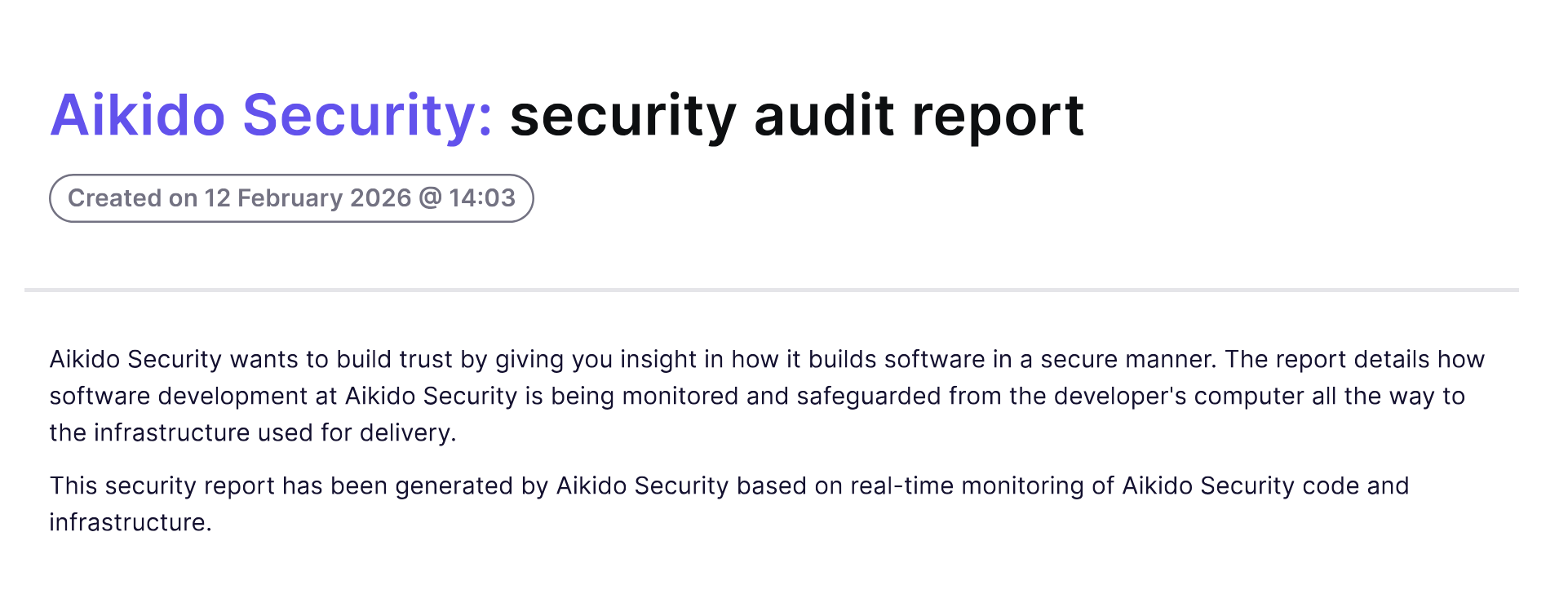
その [セキュリティ監査レポート](https://app.aikido.dev/reports/audit-reports/external/create) 現在のセキュリティ体制の構造化された概要を提供します。これは、セキュリティがどのように管理されているかを明確に要約する必要がある顧客、監査人、経営陣、または社内関係者と共有するために設計されています。
レポートを生成する前に、含めるセクションを選択します。これにより、営業見込み客、コンプライアンス監査、取締役会向けの報告など、特定の相手に合わせて調整できます。
## このレポートを使うタイミング
セキュリティ監査レポートは、次のような場合に使用します:
* 顧客のセキュリティ質問票に回答する
* 監査時に証拠を提示する
* 現在のコンプライアンス適用範囲を文書化する
## 利用可能なセクション
以下の項目は任意の組み合わせで含めることができます。
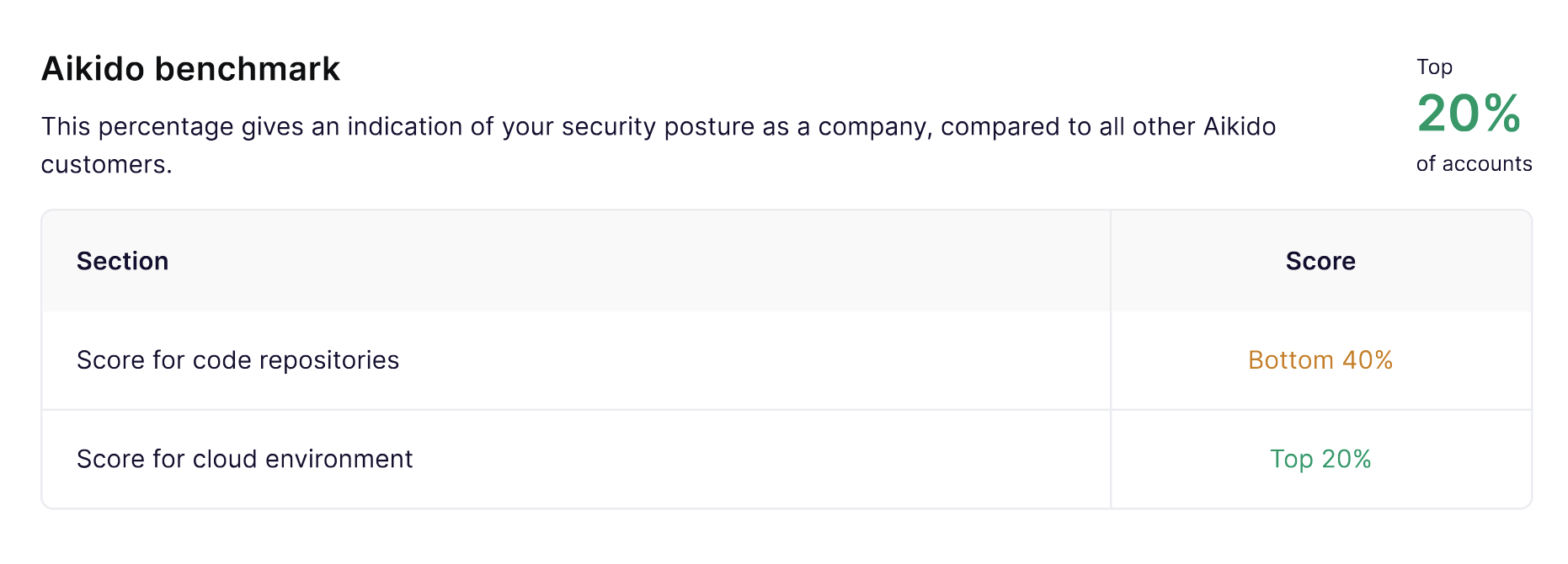
**Aikidoベンチマーク**
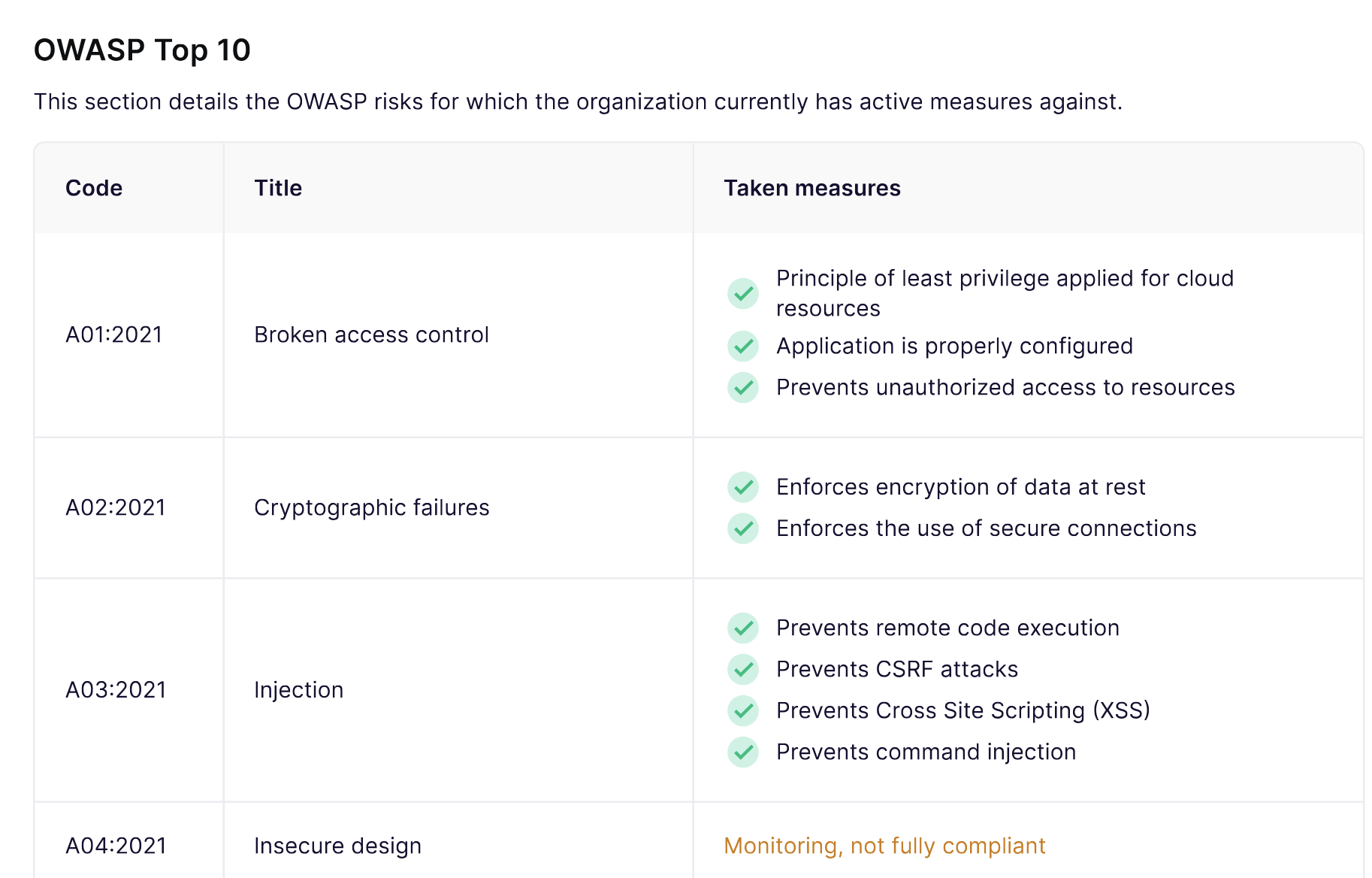
**OWASP Top 10**
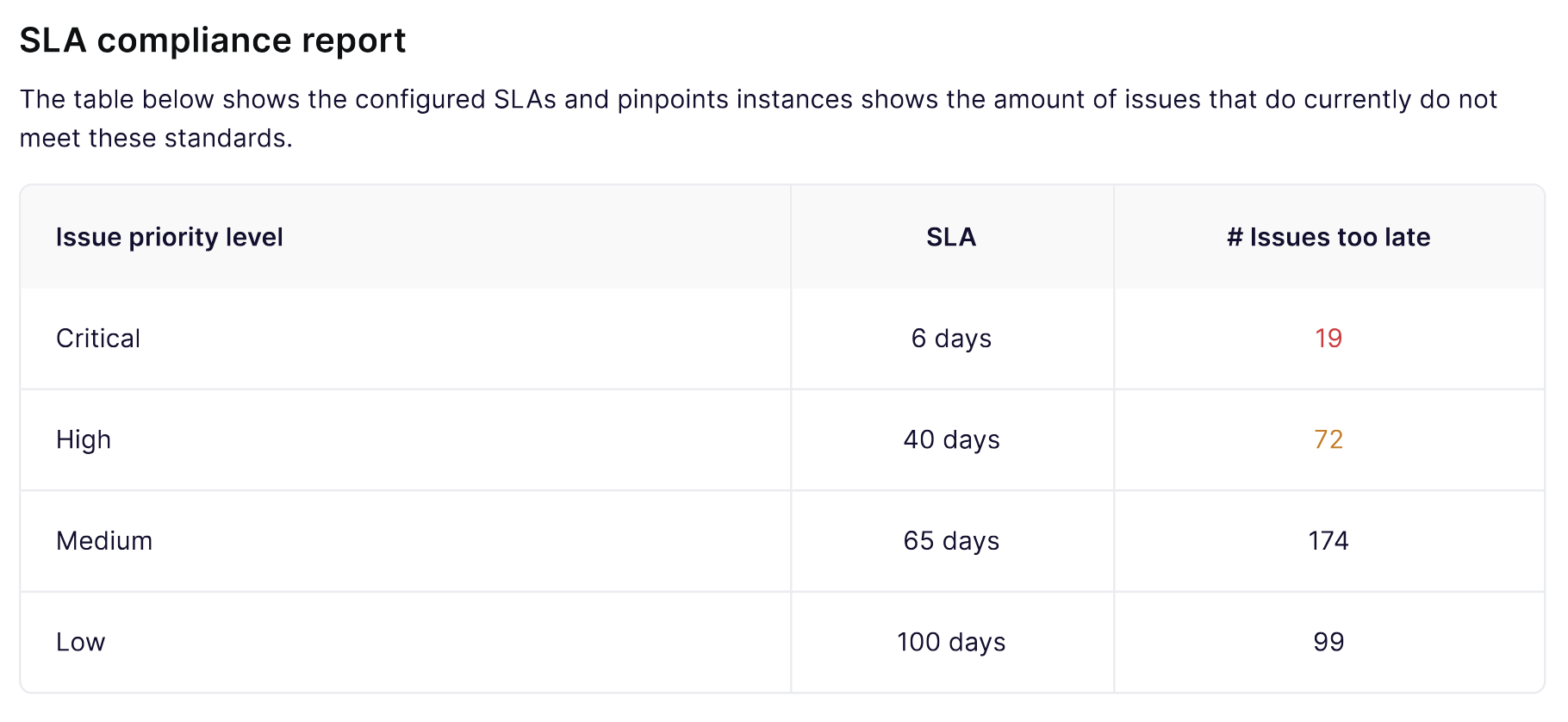
**SLA準拠**
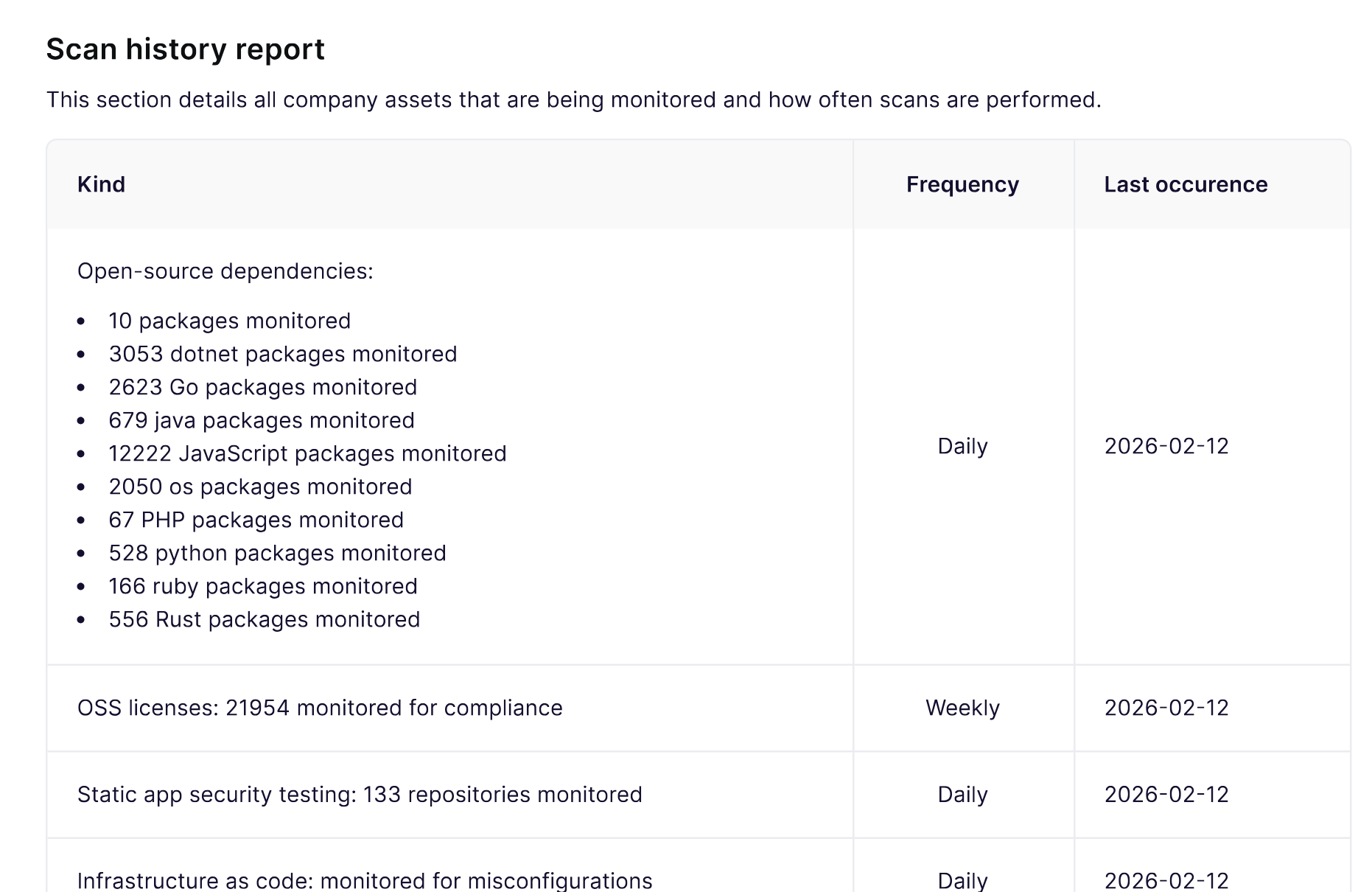
**スキャン履歴**
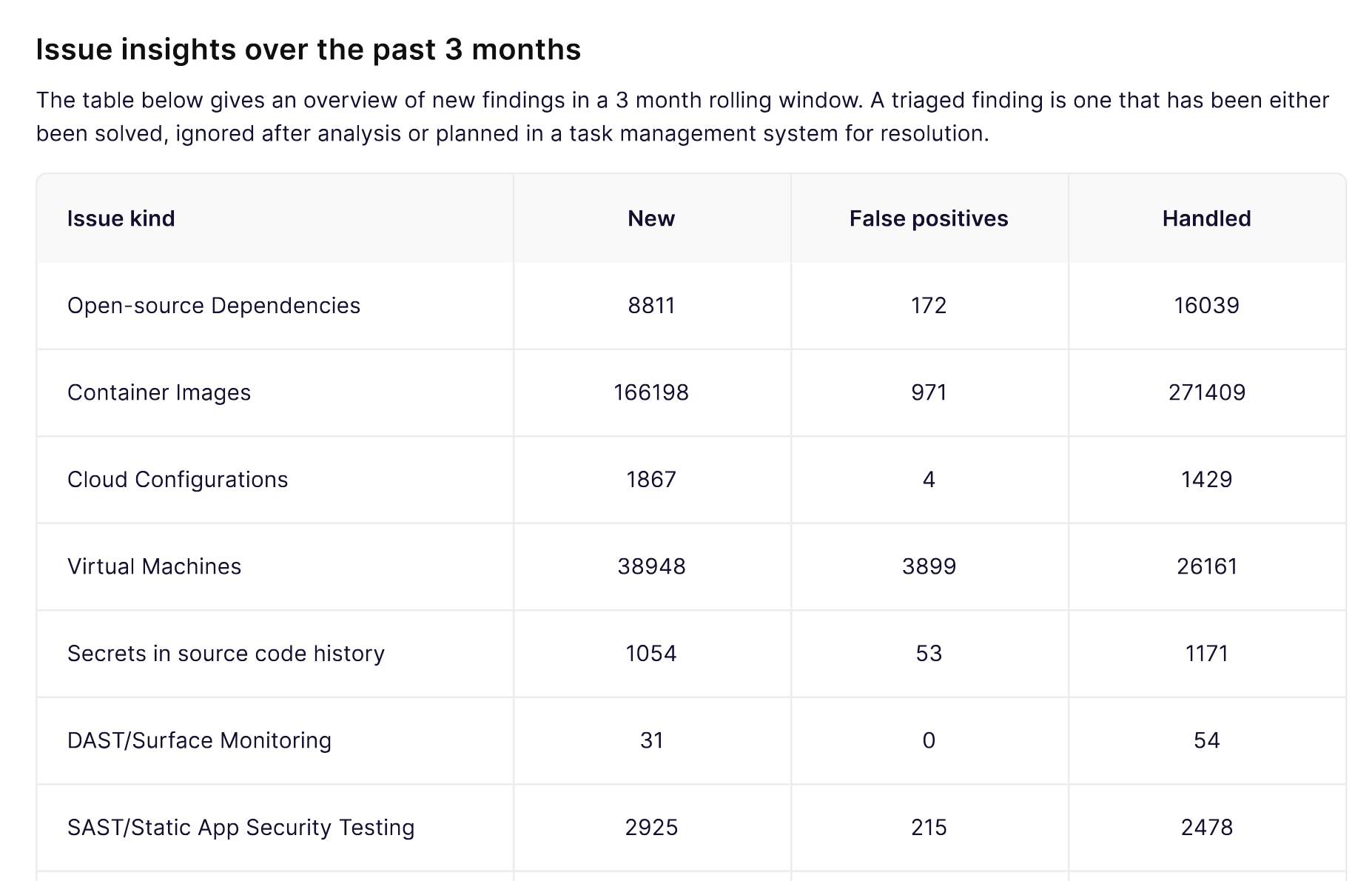
**問題のインサイト**
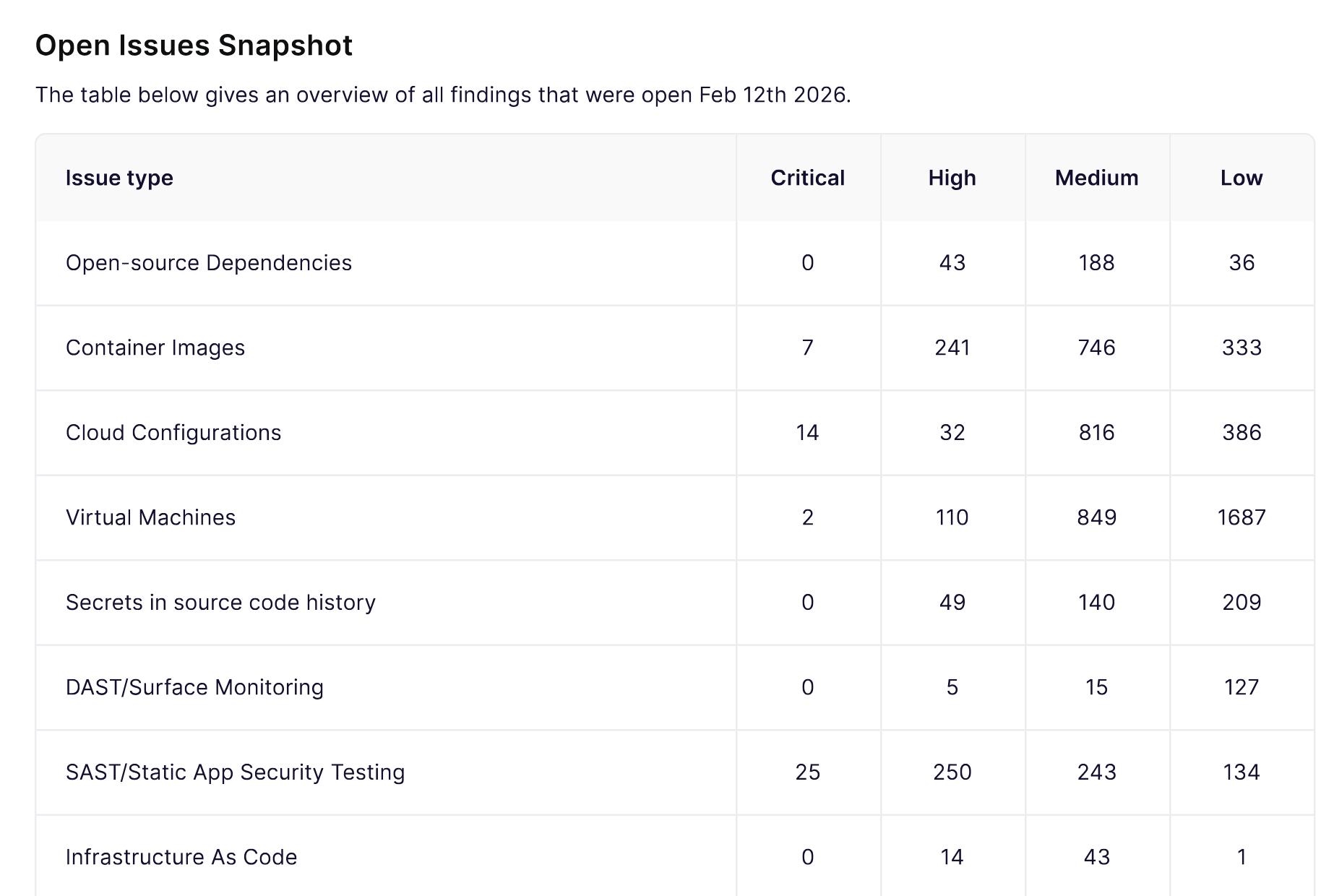
**未解決問題のスナップショット**
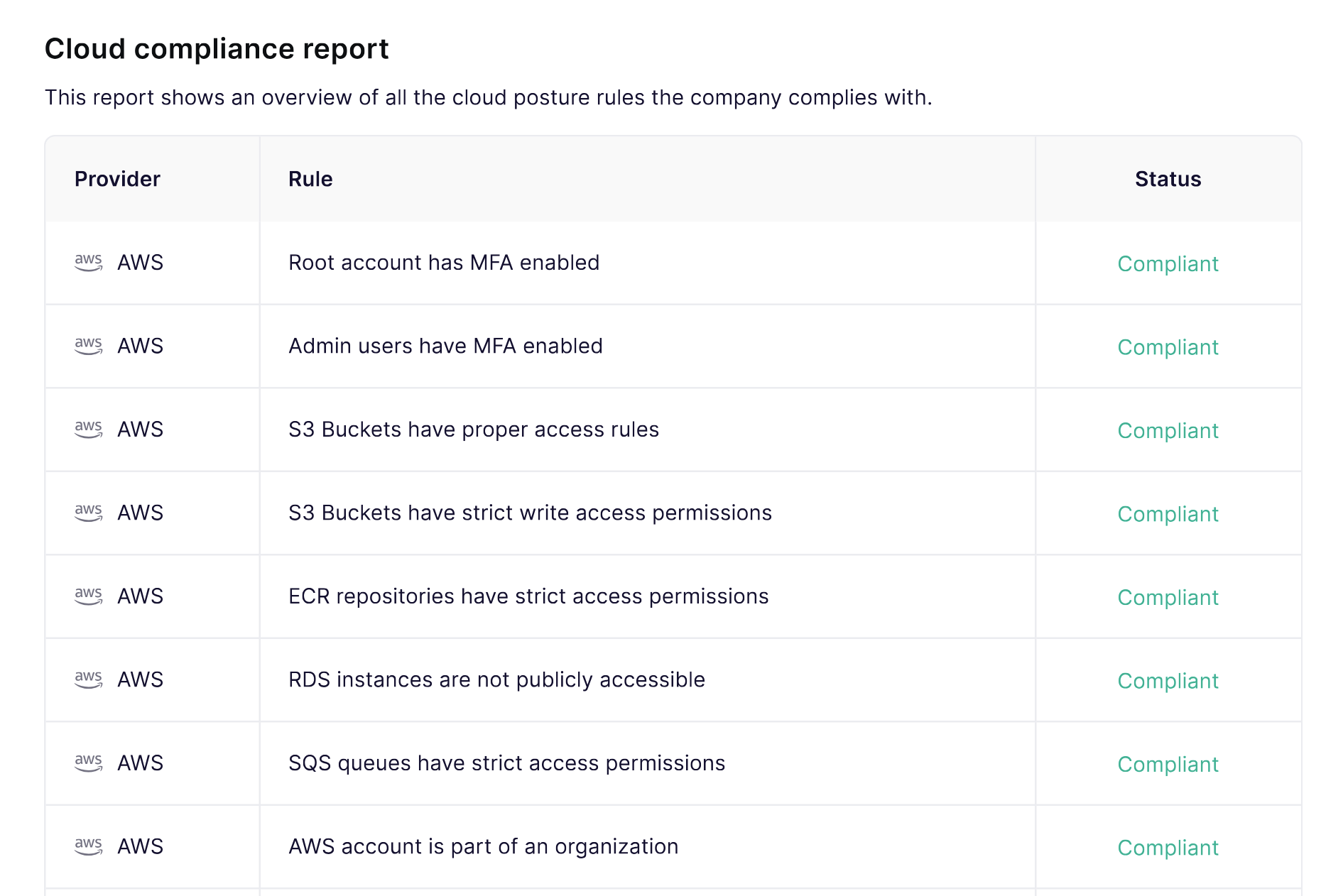
**クラウドコンプライアンス**
**コンプライアンスフレームワーク**
対応するフレームワークと標準の要約を含めることができます。これらのセクションでは、設定済みのチェックに基づいて、現在準拠している項目が表示されます。
対応フレームワークには以下が含まれます:
* ISO 27001:2022
* SOC 2
* CIS v8.1 コントロール
* CIS AWS ベンチマーク
* NIS2指令
* NIST 800-53
* PCI DSS v4.0
* HIPAA
* DORA
* HITRUST LVL3
* GDPR
* ENS
* UK Cyber Essentials
このセクションは、調達審査、エンタープライズ営業、監査準備に役立ちます。
---
# Agent Instructions
This documentation is published with GitBook. GitBook is the documentation platform designed so that both humans and AI agents can read, navigate, and reason over technical content effectively. Learn more at gitbook.com.
## Querying This Documentation
If you need additional information that is not directly available in this page, you can query the documentation dynamically by asking a question.
Perform an HTTP GET request on the current page URL with the `ask` query parameter, and the optional `goal` query parameter:
```
GET https://help.aikido.dev/docs/docs-ja/konpuraiansutorepto/reports/security-audit-report.md?ask=&goal=
```
`ask` is the immediate question: it should be specific, self-contained, and written in natural language.
`goal` is optional and describes the broader end goal you are ultimately trying to accomplish on behalf of the user. GitBook uses it to tailor the answer towards what is most useful for that goal.
The response will contain a direct answer to the question and relevant excerpts and sources from the documentation.
Use this mechanism when the answer is not explicitly present in the current page, you need clarification or additional context, or you want to retrieve related documentation sections.