> For the complete documentation index, see [llms.txt](https://help.aikido.dev/llms.txt). Markdown versions of documentation pages are available by appending `.md` to page URLs; this page is available as [Markdown](https://help.aikido.dev/docs/docs-ja/kuraudosukyan/connect-your-cloud/aws/connect-aws-account-to-aikido.md).
# AWSアカウントを接続する
### AWSクラウドを接続する理由は?
クラウドインフラを保護することは、ユーザーデータを守るうえで非常に重要です。Aikido のセキュリティチェックを活用して、インフラ内のあらゆる設定ミスを検出し、対処できます。
Aikido は、ハッカーが AWS クラウドに侵入できるようにする重大なクラウド設定ミスを明らかにします。たとえば、 [このブログ記事](https://www.aikido.dev/blog/how-a-startups-cloud-got-taken-over-by-a-simple-form-that-sends-an-email)。私たちは、あなたの会社の事業に真に大きな影響を及ぼし得るリスクに焦点を当て、雑音を排除します。
Aikido があなたのクラウド環境で実行するセキュリティチェックの一覧を表示するには、〜の「checks」タブに移動してください [クラウド概要ページ](https://app.aikido.dev/clouds)。AWS に絞り込むと、接続済みの AWS アカウントに対して実行される特定のチェックを確認できます。
「AWS Organizations」を使って複数の AWS アカウントを運用し、ステージングと本番を分けている場合は、まずステージングアカウントで Aikido を試して、手順の流れをつかむことをおすすめします。
### 機能
接続後、Aikido は次の監視を行います:
* ここに記載されたすべてのチェックに対して、毎日コンプライアンススキャンを実行します:
* Route 53 ドメインをサブドメイン乗っ取り攻撃から監視します。
### はじめに
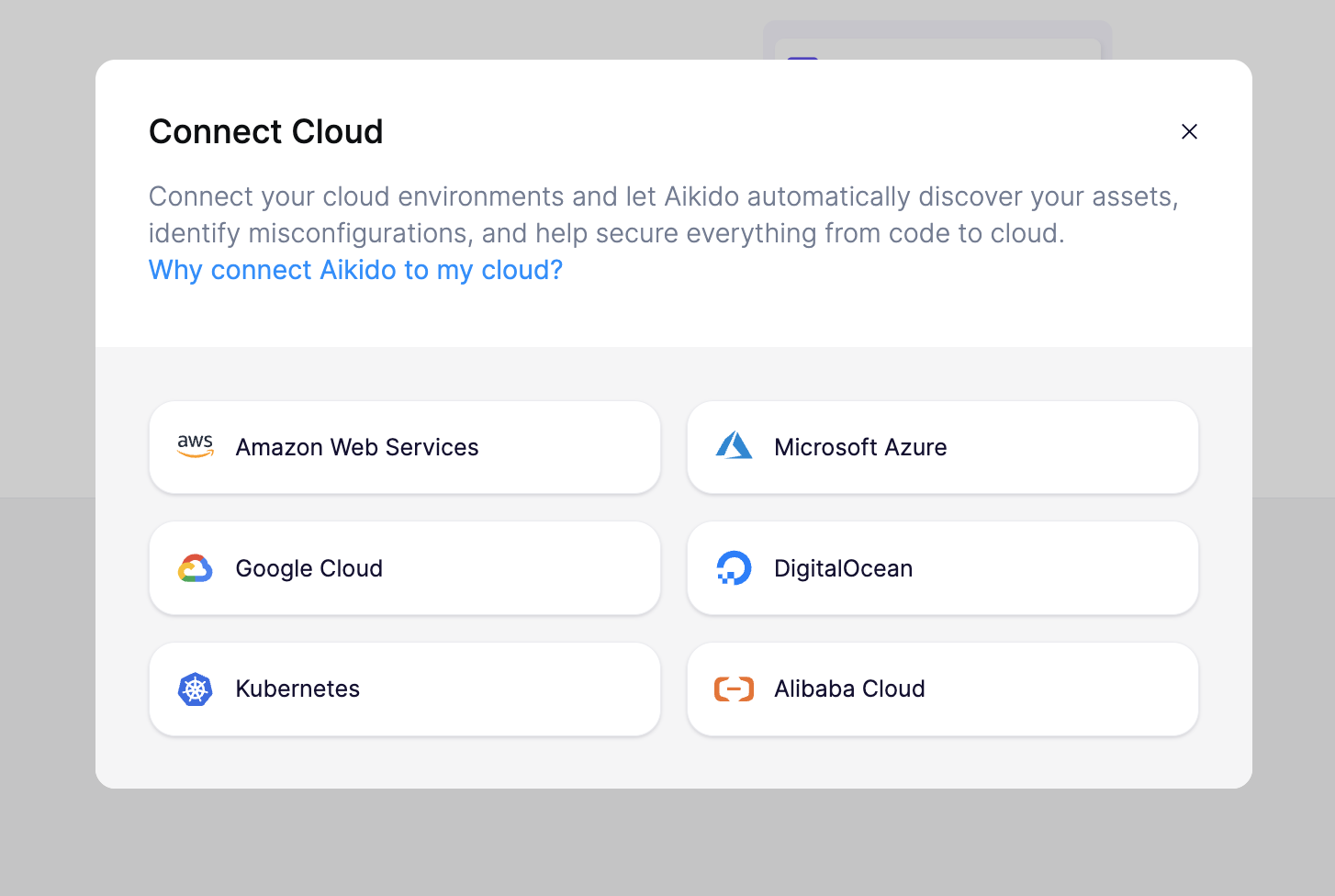
開始するには、次へ進んでください [クラウド概要ページ](https://app.aikido.dev/clouds) Aikido 上で「Connect cloud」をクリックします。手順に沿ったセットアップウィザードに従って、AWS アカウントを Aikido に接続してください。
Aikido では、AWS アカウントに新しいロールを作成する必要があります。このロールの権限により、クラウドのセキュリティ監査は可能になりますが、クラウドインフラを編集することはできません。これは、Aikido の AWS アカウントに、あなたのアカウントで新しく作成したロールとの信頼関係を付与することで機能します。
このロールの作成に使用される正確な CloudFormation テンプレートを表示するには、 [こちらをクリック](https://aikido-cspm-templates.s3.eu-west-1.amazonaws.com/minimal-policy.json)。ウィザード内で、Aikido は同等の Terraform テンプレートも生成できます。
ロールを作成した後は、Aikido が開始するために必要なのは特定の ARN だけです。アクセスキーやパスワードが Aikido と共有されることは一切ありません。
最後に、Aikido で接続済みのプロジェクトに名前を付け、運用環境を指定できます。この情報は、重要度やビジネスへの影響に基づいて検出結果の優先順位付けを Aikido が行うのに役立ちます。

アカウント接続後 1〜2 分以内に、Aikido は脅威となり得る設定ミスを報告します。
### 高度なルール
上記のチェックに加えて、Aikido には有効化できる補完的なチェック/ルールが一式用意されています。これらを高度なクラウドルールと呼び、次の場所で確認できます [こちら](https://app.aikido.dev/clouds/checks?cloudCheckType=advanced)。これらのルールのいずれかを有効にすると、結果は(新しい問題として [フィード](https://app.aikido.dev/queue))に数秒以内で表示されるはずです。
標準チェックと同様に、これらはクラウド環境のスキャンごとに評価されます。さらに、コンプライアンスレポートにも対応付けられます。デフォルトでは、高度なルールは次のように表示されます *無効* コンプライアンスレポートでは、あなたが有効化しない限り。
---
# Agent Instructions
This documentation is published with GitBook. GitBook is the documentation platform designed so that both humans and AI agents can read, navigate, and reason over technical content effectively. Learn more at gitbook.com.
## Querying This Documentation
If you need additional information that is not directly available in this page, you can query the documentation dynamically by asking a question.
Perform an HTTP GET request on the current page URL with the `ask` query parameter, and the optional `goal` query parameter:
```
GET https://help.aikido.dev/docs/docs-ja/kuraudosukyan/connect-your-cloud/aws/connect-aws-account-to-aikido.md?ask=&goal=
```
`ask` is the immediate question: it should be specific, self-contained, and written in natural language.
`goal` is optional and describes the broader end goal you are ultimately trying to accomplish on behalf of the user. GitBook uses it to tailor the answer towards what is most useful for that goal.
The response will contain a direct answer to the question and relevant excerpts and sources from the documentation.
Use this mechanism when the answer is not explicitly present in the current page, you need clarification or additional context, or you want to retrieve related documentation sections.