> For the complete documentation index, see [llms.txt](https://help.aikido.dev/llms.txt). Markdown versions of documentation pages are available by appending `.md` to page URLs; this page is available as [Markdown](https://help.aikido.dev/docs/docs-ja/kuraudosukyan/connect-your-cloud/connect-digitalocean-account-to-aikido.md).
# DigitalOceanアカウントを接続する
### なぜ自分のDigitalOceanクラウドを接続するのですか?
クラウドインフラを保護することは、ユーザーデータを守るうえで非常に重要です。Aikidoのセキュリティチェックを活用して、インフラ内の設定ミスを検出し、対処できます。
**主なユースケース**
* Aikidoは、ハッカーがあなたのDigitalOceanクラウドに侵入できる重大なクラウド設定ミスを可視化します。たとえば、で強調されているリスクのような [このブログ記事](https://www.aikido.dev/blog/how-a-startups-cloud-got-taken-over-by-a-simple-form-that-sends-an-email)。すべての設定チェックは [こちらで確認できます(DigitalOceanで絞り込み)](https://app.aikido.dev/clouds/checks)
* Dockerイメージをリポジトリに保存している場合、AikidoはApache、Nginxなどにある既知の脆弱性の大半を検出します。
Aikidoは上記に対して毎日コンプライアンススキャンを実行します。
### はじめに
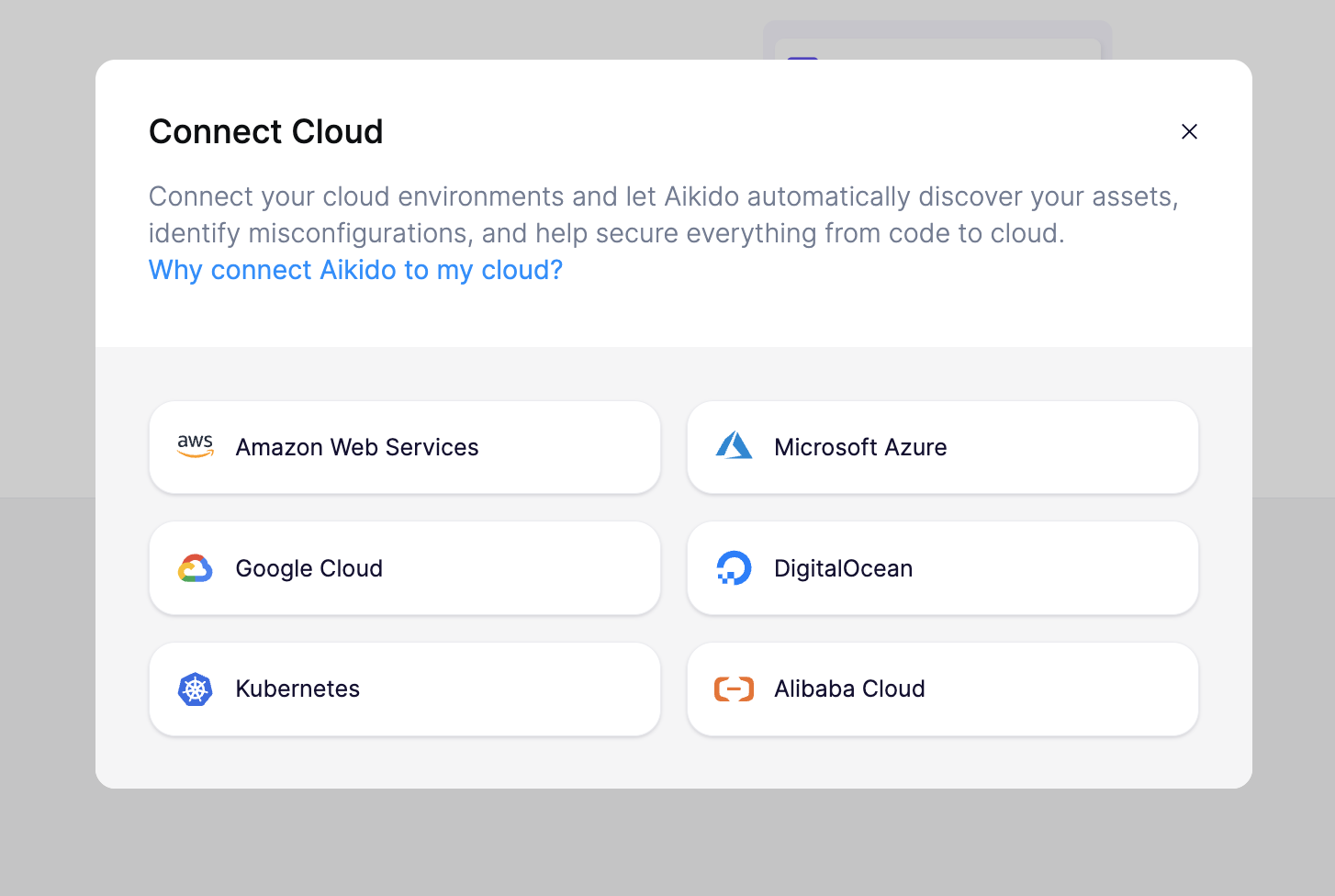
始めるには、 [クラウド概要ページ](https://app.aikido.dev/clouds) Aikidoで「クラウドを接続」をクリックします。手順に沿ったセットアップウィザードに従って、DigitalOceanアカウントをAikidoに接続してください。
アカウントを接続するには、AikidoがDigitalOceanで使用できるアクセストークンを作成する必要があります。左側のナビゲーションで「API」をクリックして、次の画面に進んでください。

このページで「Generate New Token」をクリックして、新しいトークンを作成します。

トークンにわかりやすい名前を入力し、有効期限を「No expire」に設定します。Aikidoに必要なのは「Read」アクセスのみです。「Generate Token」をクリックしてください。
DigitalOceanでトークンが作成されたら、それをコピーして、選択したトークン名とともにAikidoのセットアップウィザードに入力できます。
最後に、Aikido 上で接続したプロジェクトに名前を付け、運用している環境を指定できます。この情報は、重大度やビジネスへの影響に基づいて Aikido が検出結果の優先順位を付けるのに役立ちます。

アカウントを接続してから 1〜2 分以内に、Aikido は脅威となり得る設定ミスを報告します。
---
# Agent Instructions
This documentation is published with GitBook. GitBook is the documentation platform designed so that both humans and AI agents can read, navigate, and reason over technical content effectively. Learn more at gitbook.com.
## Querying This Documentation
If you need additional information that is not directly available in this page, you can query the documentation dynamically by asking a question.
Perform an HTTP GET request on the current page URL with the `ask` query parameter, and the optional `goal` query parameter:
```
GET https://help.aikido.dev/docs/docs-ja/kuraudosukyan/connect-your-cloud/connect-digitalocean-account-to-aikido.md?ask=&goal=
```
`ask` is the immediate question: it should be specific, self-contained, and written in natural language.
`goal` is optional and describes the broader end goal you are ultimately trying to accomplish on behalf of the user. GitBook uses it to tailor the answer towards what is most useful for that goal.
The response will contain a direct answer to the question and relevant excerpts and sources from the documentation.
Use this mechanism when the answer is not explicitly present in the current page, you need clarification or additional context, or you want to retrieve related documentation sections.