> For the complete documentation index, see [llms.txt](https://help.aikido.dev/llms.txt). Markdown versions of documentation pages are available by appending `.md` to page URLs; this page is available as [Markdown](https://help.aikido.dev/docs/docs-ja/pentesuto/prepare-a-pentest/using-projects-to-group-assessments.md).
# プロジェクトを使ってアセスメントをグループ化する
## プロジェクトとは
Aikido Pentest のプロジェクトは、同じスコープ、設定、または対象アプリケーションを共有する 1 つ以上のアセスメントを論理的にまとめたものです。
これにより、製品、環境、事業部門などで関連するペンテストを整理し、関連する結果、レポート、設定をすべて 1 か所にまとめておけます。
プロジェクトは通常、次のようなものを表します:
* myapp.com のような 1 つのアプリケーションと、それに関連する API やステージング環境
* 同じバックエンドまたは認証システムを共有する連携したアプリ群
* 同じシステムに対する四半期ごとのペンテストのような、定期的なセキュリティスコープ
## プロジェクトが重要な理由
プロジェクトを使うと次のことが簡単になります:
* 複数のアセスメントにわたって指摘事項がどのように変化するかを確認しながら、セキュリティ状況を時系列で追跡する
* 対象、認証情報、リポジトリリンク、API仕様などの設定を再利用する
* 同じアプリのすべてのアセスメントレポートを 1 か所に保存してレポートを管理する
* 定義されたスコープに対して一貫した監査証跡を確保し、コンプライアンスを簡素化する
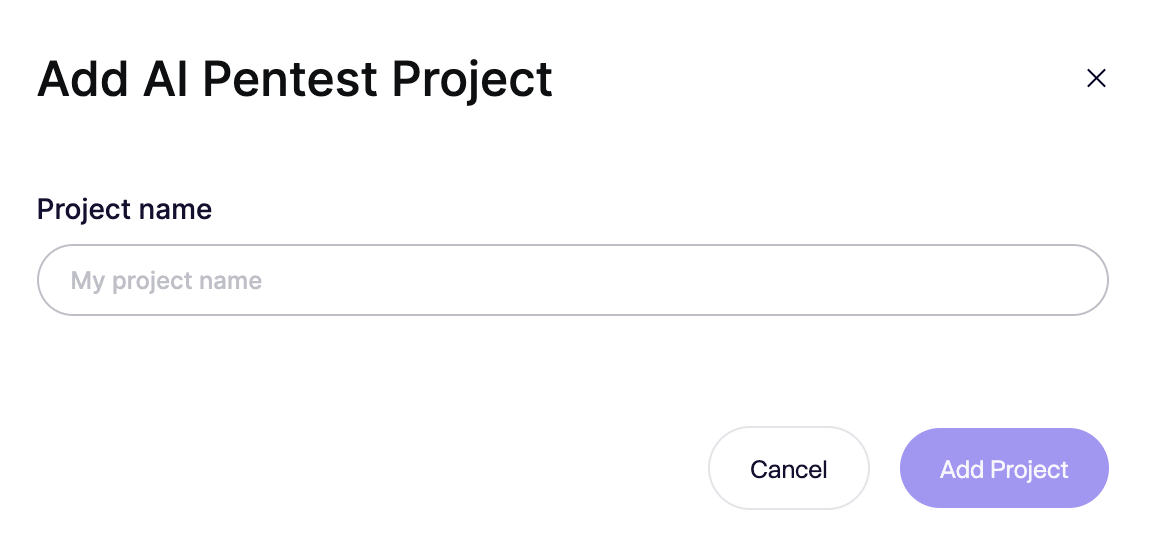
### プロジェクトの作成
アセスメントを開始する前に、まずプロジェクトを作成する必要があります。
プロジェクトを作成するときは、次のことを行います:
1. 何をテストするのかが明確にわかる名前を付ける
(たとえば、「Aikido Dashboard」や「Customer Portal API」)
2. 今後のアセスメントで利用できるよう、プロジェクトを保存する
プロジェクトを作成すると、それが関連するすべてのアセスメントの出発点になります。
ここで定義したすべての設定は保存され、新しいアセスメントを開始するときに自動的に再利用されます。
---
# Agent Instructions
This documentation is published with GitBook. GitBook is the documentation platform designed so that both humans and AI agents can read, navigate, and reason over technical content effectively. Learn more at gitbook.com.
## Querying This Documentation
If you need additional information that is not directly available in this page, you can query the documentation dynamically by asking a question.
Perform an HTTP GET request on the current page URL with the `ask` query parameter, and the optional `goal` query parameter:
```
GET https://help.aikido.dev/docs/docs-ja/pentesuto/prepare-a-pentest/using-projects-to-group-assessments.md?ask=&goal=
```
`ask` is the immediate question: it should be specific, self-contained, and written in natural language.
`goal` is optional and describes the broader end goal you are ultimately trying to accomplish on behalf of the user. GitBook uses it to tailor the answer towards what is most useful for that goal.
The response will contain a direct answer to the question and relevant excerpts and sources from the documentation.
Use this mechanism when the answer is not explicitly present in the current page, you need clarification or additional context, or you want to retrieve related documentation sections.