> For the complete documentation index, see [llms.txt](https://help.aikido.dev/llms.txt). Markdown versions of documentation pages are available by appending `.md` to page URLs; this page is available as [Markdown](https://help.aikido.dev/docs/docs-ja/zen-firewall/zen-features/why-is-this-ip-blocked.md).
# この IP はなぜブロックされているのですか?
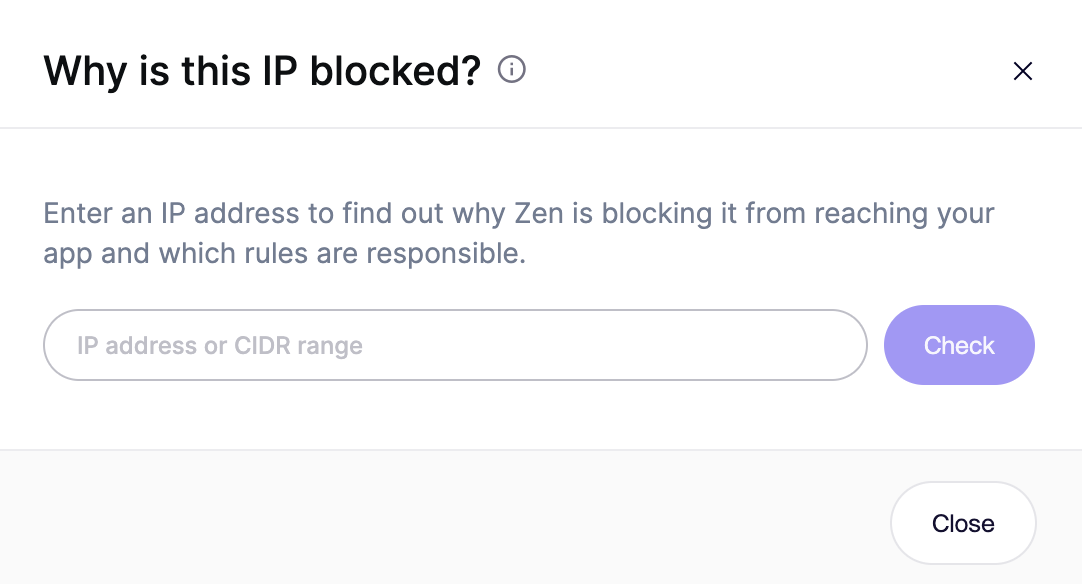
その **この IP はなぜブロックされているのですか?** このツールを使うと、任意の IP アドレスを検索して、どの Zen Firewall ルールがそのブロックの原因になっているかを正確に確認できます。アクティブなブロック機能をすべて同時にチェックするため、予期しないブロックをすばやく診断したり、ルールが想定どおりに動作しているかを確認したりできます。
## 使い方
1. 次へ移動します **イベント** Zen Firewall サービスのフィード。
2. クリック **この IP はなぜブロックされているのですか?** 表の右上、上部にあります。
3. 入力欄に IP アドレスを入力します。
4. クリック **確認**.
Zen は、その IP に一致するブロックルールを表示します。たとえば、国別ブロック、既知の脅威アクターのリスト、ユーザーブロック、または [プレイブック](/docs/docs-ja/zen-firewall/zen-features/playbooks.md).
{% hint style="info" %}
このツールは、ブロックルールの現在の状態を確認します。ルールが最近変更された場合は、反映されるまで最大 1 分ほど待ってから確認してください。
{% endhint %}
---
# Agent Instructions
This documentation is published with GitBook. GitBook is the documentation platform designed so that both humans and AI agents can read, navigate, and reason over technical content effectively. Learn more at gitbook.com.
## Querying This Documentation
If you need additional information that is not directly available in this page, you can query the documentation dynamically by asking a question.
Perform an HTTP GET request on the current page URL with the `ask` query parameter, and the optional `goal` query parameter:
```
GET https://help.aikido.dev/docs/docs-ja/zen-firewall/zen-features/why-is-this-ip-blocked.md?ask=&goal=
```
`ask` is the immediate question: it should be specific, self-contained, and written in natural language.
`goal` is optional and describes the broader end goal you are ultimately trying to accomplish on behalf of the user. GitBook uses it to tailor the answer towards what is most useful for that goal.
The response will contain a direct answer to the question and relevant excerpts and sources from the documentation.
Use this mechanism when the answer is not explicitly present in the current page, you need clarification or additional context, or you want to retrieve related documentation sections.