
Invite Users to Aikido Without a Git Account
Aikido provides flexible options for inviting users who do not have a GitHub/BitBucket/GitLab account or prefer using alternative login methods such as Google, Microsoft, or a personal GitHub/BitBucket/GitLab account.
Use Cases
- Billing Personnel: Users responsible for billing who do not have a Git account.
- Personal GitHub Account Users: Users with a personal GitHub account not affiliated with the organization.
- Freelancers: Contractors needing partial or temporary access.
- Auditors: External auditors requiring temporary access.
- BitBucket users with limited-access to repos: Users that only have limited access to a certain repos in BitBucket.
- Multiple Git systems: when users need to be invited to multiple workspaces of different Git systems (combo Github and Gitlab).
Steps to Invite Users
Step 1: Navigate to the Users Section in Settings. Click 'Add' to open the user invite dialogue
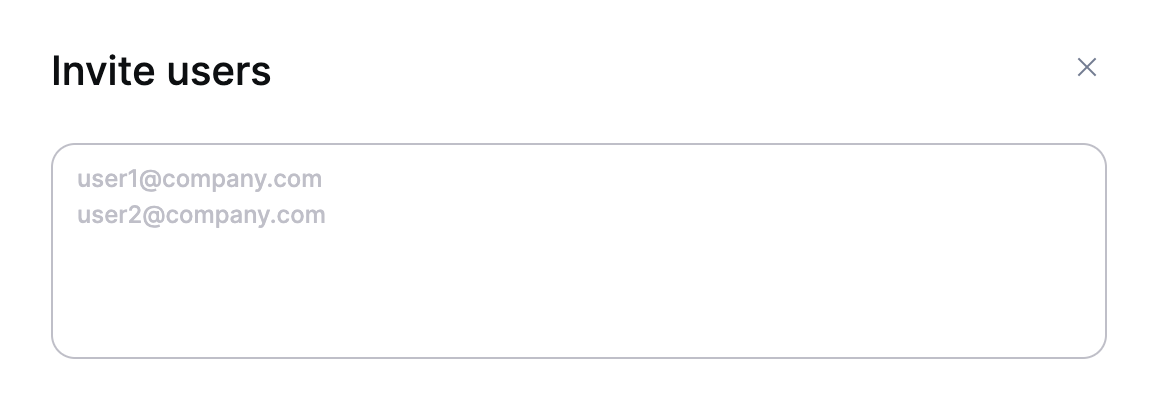
Step 2: Enter one or multiple email address. The email needs to be a company email.
Step 3. Choose the second Login Method - Users can log in via GitHub/Bitbucket/GitLab, Google or Microsoft.

Step 4. Ensure that the invited user clicks the button in the email redirecting to Aikido and then using its email that was used during invite for Google/Microsoft.
Important Notes
- Manual Offboarding: Users invited via these methods will not be automatically offboarded. It is important to manually remove users who no longer require access to the Aikido platform to maintain security and manage access appropriately.