> For the complete documentation index, see [llms.txt](https://help.aikido.dev/llms.txt). Markdown versions of documentation pages are available by appending `.md` to page URLs; this page is available as [Markdown](https://help.aikido.dev/cloud-scanning/connect-your-cloud/aws/connect-aws-account-to-aikido.md).
# Connect AWS Account
### Why connect my AWS cloud?
Securing your cloud infrastructure is crucial to protecting your user data. You can leverage Aikido's security checks to detect and address any misconfigurations in your infrastructure.
Aikido will surface critical cloud misconfigurations that allow hackers to get into your AWS cloud, such as the risk highlighted in [this blog post](https://www.aikido.dev/blog/how-a-startups-cloud-got-taken-over-by-a-simple-form-that-sends-an-email). We focus on the risks that can have a truly big impact on your company's business and cut the noise.
To view the list of security checks performed by Aikido on your cloud environment, go to the 'checks' tab on the [cloud overview page](https://app.aikido.dev/clouds). Filter to AWS to see specific checks performed on your connected AWS account.
Assuming you're using multiple AWS accounts via 'AWS Organizations' to separate staging from production, we recommend trying out Aikido on your staging account first, to get a feel for the process.
### Features
After connecting, Aikido will perform the following monitoring:
* Perform a daily compliance scan on all checks listed here:
* Monitor your Route 53 domains for subdomain takeover attacks.
### Getting started
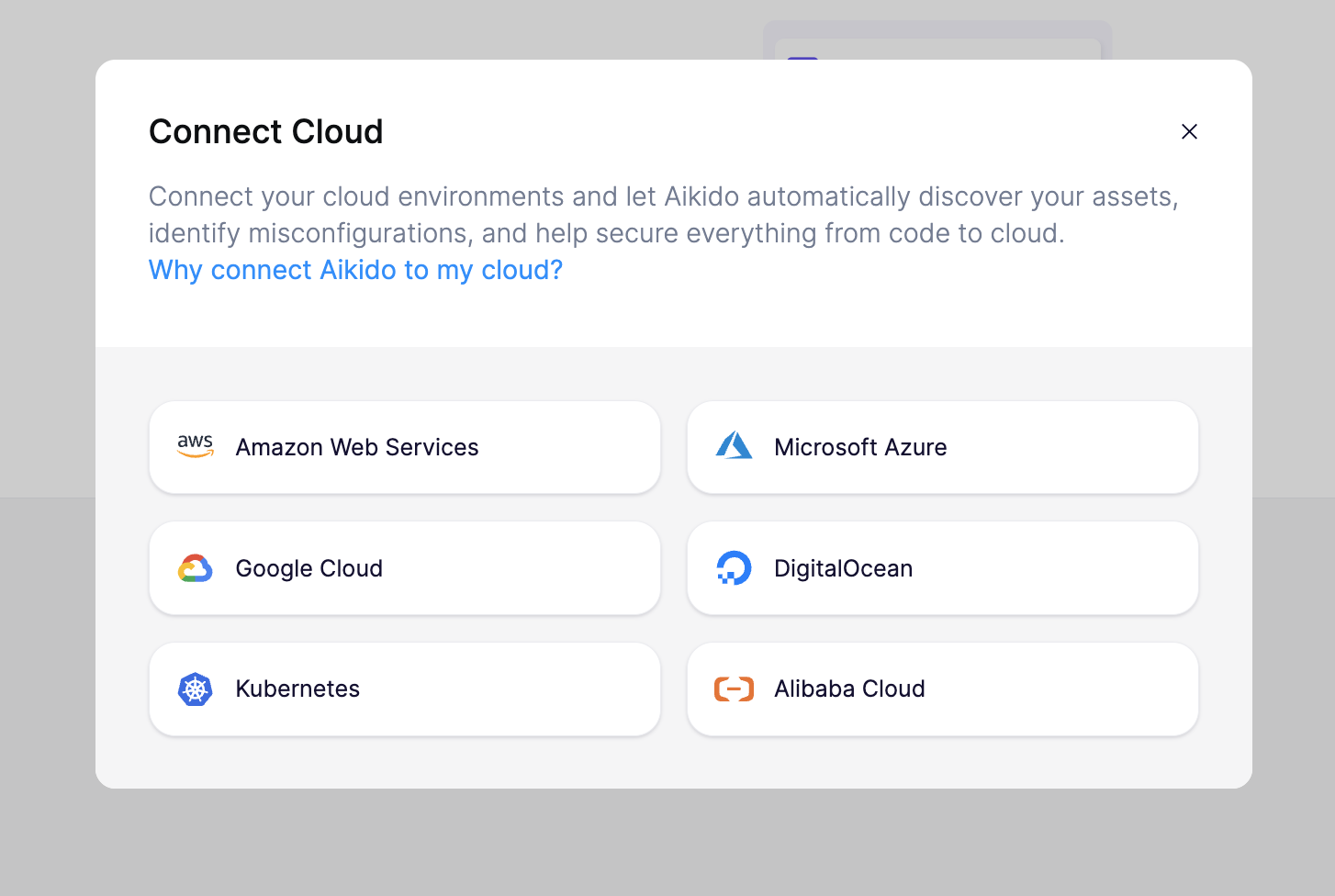
To get started, head to the [cloud overview page](https://app.aikido.dev/clouds) on Aikido and click 'Connect cloud.' Follow the step-by-step setup wizard to connect your AWS account to Aikido.
Aikido will require the creation of a new role in your AWS account. The permissions for this role enable us to do a security audit of your cloud, but not edit your cloud infrastructure. This works by giving the Aikido AWS account a trust relationship with the newly created role in your account.
To view the exact CloudFormation template used to create this role, [click here](https://aikido-cspm-templates.s3.eu-west-1.amazonaws.com/minimal-policy.json). Inside the wizard, Aikido can also generate an equivalent Terraform template for you.
After creation of the role, Aikido only needs the specific ARN to get started. No access keys or passwords are ever shared with Aikido.
Finally, you can name your connected project in Aikido and specify the environment it operates in. This information helps Aikido prioritize findings based on the severity and impact to your business.

Within 1-2 minutes after connecting your account, Aikido will report misconfigurations that could pose a threat.
### Advanced Rules
Besides the checks mentioned above, Aikido offers a suite of complementary checks/rules that you can enable. We call these advanced cloud rules and you can find them [here](https://app.aikido.dev/clouds/checks?cloudCheckType=advanced). After enabling any of these rules, you can expect to see the results (as new issues in [the feed](https://app.aikido.dev/queue)) within a few seconds.
Just like the standard checks, these are evaluated with each scan of your cloud environments. Moreover, they are mapped to the compliance reports. By default, the advanced rules will appear as *disabled* in the compliance reports, unless you activate them.
---
# Agent Instructions
This documentation is published with GitBook. GitBook is the documentation platform designed so that both humans and AI agents can read, navigate, and reason over technical content effectively. Learn more at gitbook.com.
## Querying This Documentation
If you need additional information that is not directly available in this page, you can query the documentation dynamically by asking a question.
Perform an HTTP GET request on the current page URL with the `ask` query parameter, and the optional `goal` query parameter:
```
GET https://help.aikido.dev/cloud-scanning/connect-your-cloud/aws/connect-aws-account-to-aikido.md?ask=&goal=
```
`ask` is the immediate question: it should be specific, self-contained, and written in natural language.
`goal` is optional and describes the broader end goal you are ultimately trying to accomplish on behalf of the user. GitBook uses it to tailor the answer towards what is most useful for that goal.
The response will contain a direct answer to the question and relevant excerpts and sources from the documentation.
Use this mechanism when the answer is not explicitly present in the current page, you need clarification or additional context, or you want to retrieve related documentation sections.