> For the complete documentation index, see [llms.txt](https://help.aikido.dev/llms.txt). Markdown versions of documentation pages are available by appending `.md` to page URLs; this page is available as [Markdown](https://help.aikido.dev/docs/docs-ja/aikido-device-protection/miscellaneous-aikido-endpoint/endpoint-information-for-support.md).

# 問題を報告 / Device Protection サポート

Aikido Device Protection について Aikido サポートにお問い合わせの際は、以下の情報を含めてください。これにより、問題の原因をより早く特定でき、不要なやり取りを減らせます。

### 問題を報告（推奨）

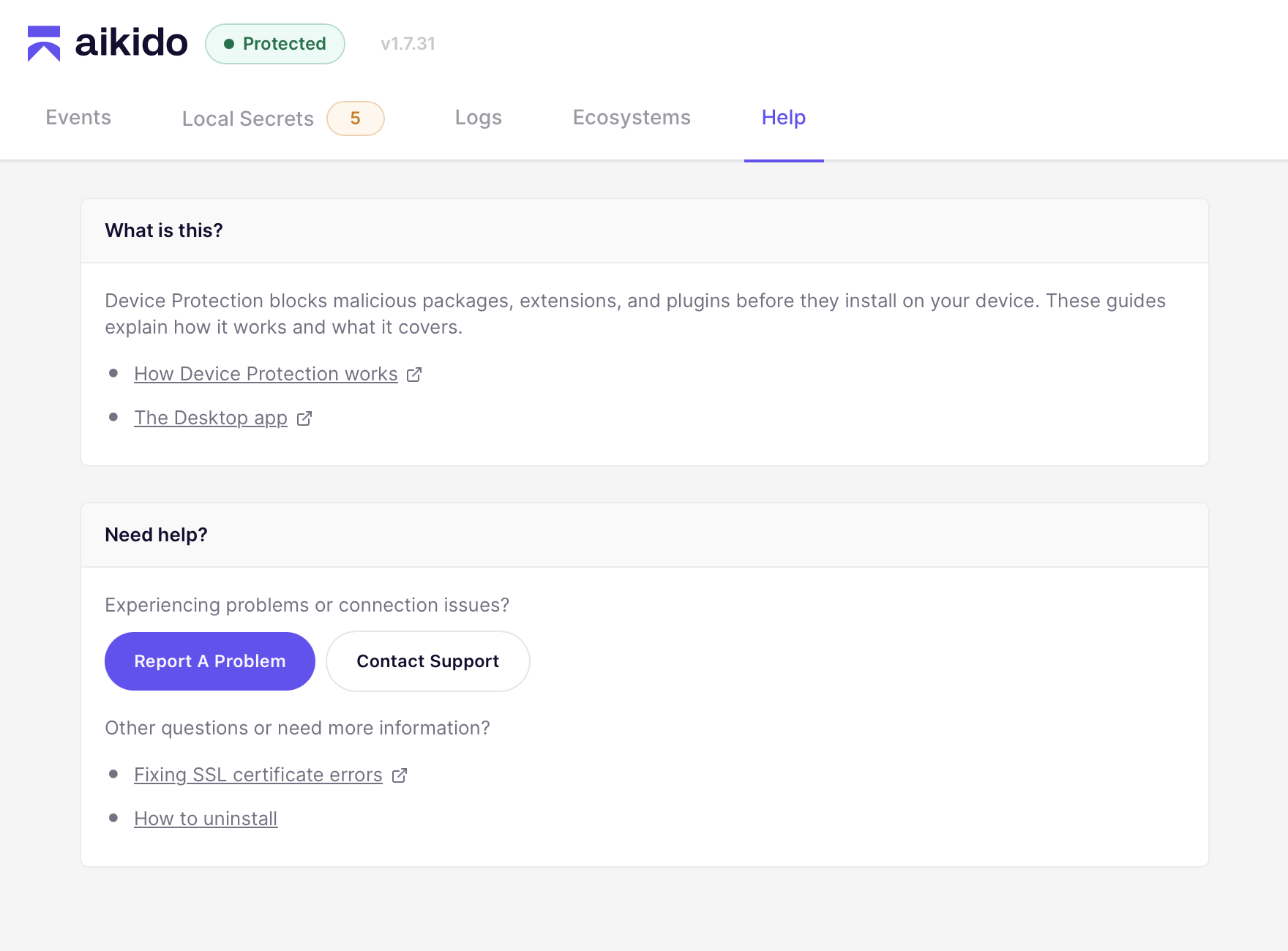
診断情報を送る最も簡単な方法は、アプリから直接行うことです。Aikido はエージェントの診断データを自動的に添付します（個人データは含まれません。デバッグ後に削除されます）。

<figure><img src="/files/0ba905487052ed9cf43cd9fc4dadacc922ca6b53" alt=""><figcaption></figcaption></figure>

1. Aikido Endpoint Protection アプリを開く
2. 次へ移動 **ログ** タブ
3. クリック **問題を報告** 右上隅の
4. 問題に関する追加メモを記入してください（任意）
5. こちらから折り返しご連絡する場合は、メールアドレスを入力してください（任意）
6. クリック **レポートを送信**

### 診断コマンドを実行（代替手段）

アプリにアクセスできない場合は、このコマンドを実行して診断ログを添付してください。これらのデータは、問題の修正に必要な期間のみ保持します。

{% tabs %}
{% tab title="macOS" %}
{% code overflow="wrap" %}

```bash
sudo /Applications/Aikido\ Endpoint\ Protection.app/Contents/Resources/scripts/submit_diagnostics
```

{% endcode %}
{% endtab %}

{% tab title="Windows" %}
{% code overflow="wrap" %}

```powershell
& "C:\Program Files\AikidoSecurity\EndpointProtection\scripts\SubmitDiagnostics.ps1"
```

{% endcode %}
{% endtab %}
{% endtabs %}


---

# Agent Instructions
This documentation is published with GitBook. GitBook is the documentation platform designed so that both humans and AI agents can read, navigate, and reason over technical content effectively. Learn more at gitbook.com.

## Querying This Documentation
If you need additional information that is not directly available in this page, you can query the documentation dynamically by asking a question.

Perform an HTTP GET request on the current page URL with the `ask` query parameter, and the optional `goal` query parameter:

```
GET https://help.aikido.dev/docs/docs-ja/aikido-device-protection/miscellaneous-aikido-endpoint/endpoint-information-for-support.md?ask=<question>&goal=<endgoal>
```

`ask` is the immediate question: it should be specific, self-contained, and written in natural language.
`goal` is optional and describes the broader end goal you are ultimately trying to accomplish on behalf of the user. GitBook uses it to tailor the answer towards what is most useful for that goal.

The response will contain a direct answer to the question and relevant excerpts and sources from the documentation.

Use this mechanism when the answer is not explicitly present in the current page, you need clarification or additional context, or you want to retrieve related documentation sections.