# Aikido Expansion Packs

{% hint style="warning" %}
Visual Studio support is coming soon
{% endhint %}

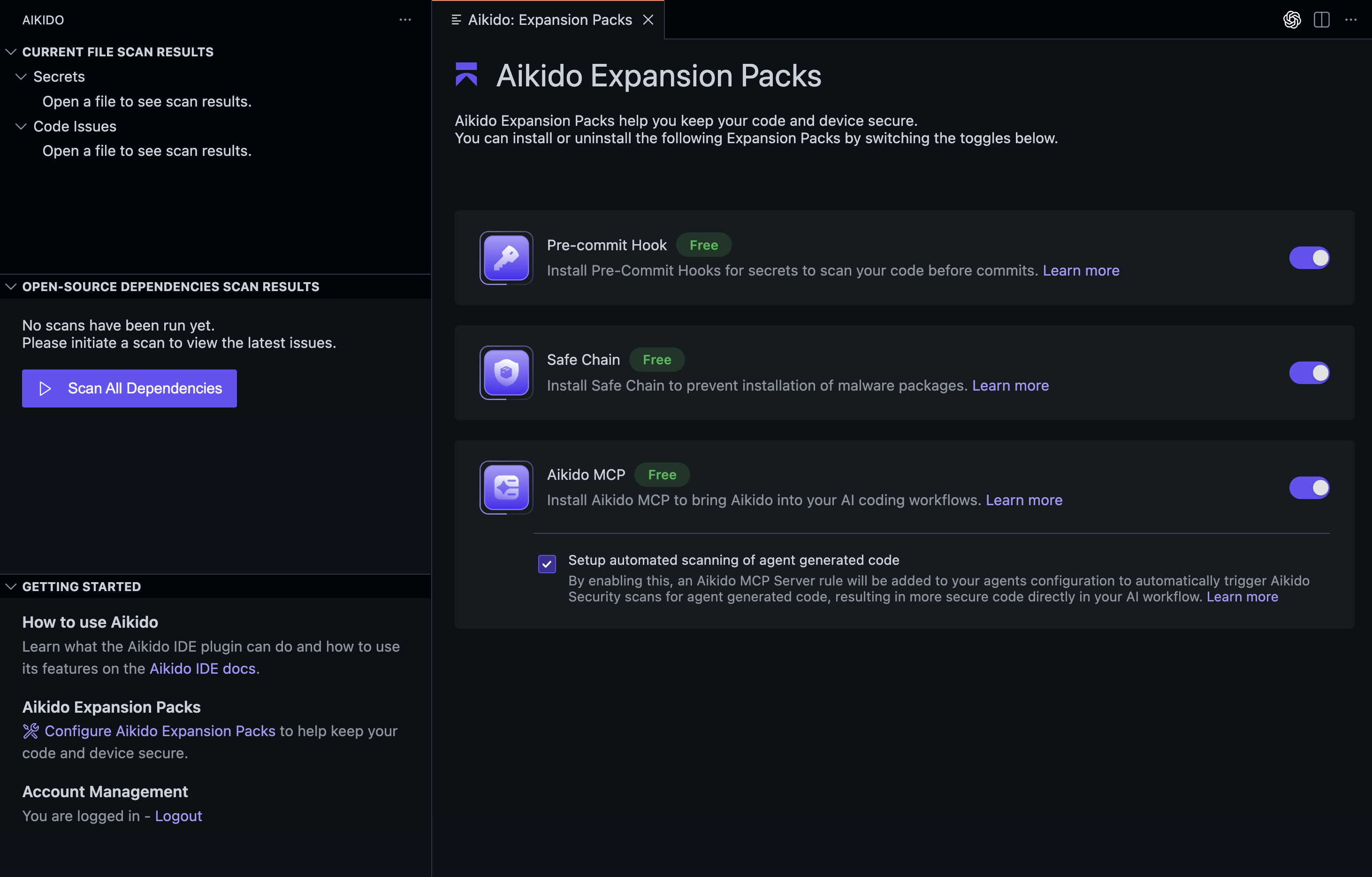
Aikido Expansion Packs allows you to add extra security tooling that runs on your machine from inside your IDE. You can enable or disable these add-ons from the Expansion Packs screen. Each pack improves a different part of your workflow and helps keep your code and device secure without slowing you down.
<figure><img src="/files/jbBP76DiDRafiatXCxsj" alt=""><figcaption></figcaption></figure>

## How to use

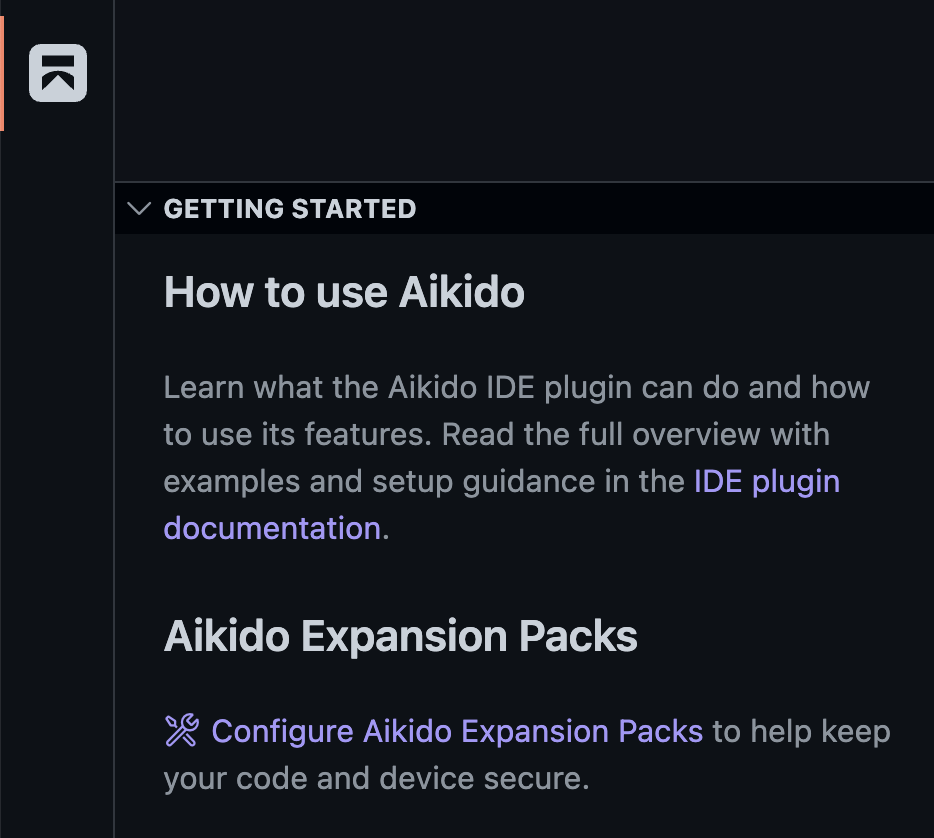
Open the Aikido sidebar, toggle open `Getting Started` if not already and click on the `Configure Aikido Expansion Packs` link.

Alternatively use the [Command Palette](https://code.visualstudio.com/docs/getstarted/userinterface) and run `Aikido: Expansion Packs`

<figure><img src="/files/o3EvpbAsgBJOUM9QY6PS" alt="" width="375"><figcaption></figcaption></figure>

## Features

### Pre-commit Hook

The secrets pre-commit hook checks your code for hardcoded secrets before you commit. It prevents accidental leaks and runs locally without configuration. Read more on [Secrets Pre-Commit Hook](/ai-and-dev-tools/aikido-secrets-pre-commit-hook.md)

### Safe Chain

Safe Chain protects your environment from malicious packages. It adds a safety layer around your package manager and prevents installation of known malware. Read more on [Safe Chain: Prevent Malware Installs](/code-scanning/aikido-malware-scanning.md)

### Aikido MCP

The Aikido MCP Server brings Aikido's security scanning capabilities directly into your AI coding workflow. Read more on [AI Coding Assistants (MCP)](/ai-and-dev-tools/aikido-mcp.md)


---

# Agent Instructions: Querying This Documentation

If you need additional information that is not directly available in this page, you can query the documentation dynamically by asking a question.

Perform an HTTP GET request on the current page URL with the `ask` query parameter:

```
GET https://help.aikido.dev/ai-and-dev-tools/ide-plugins-overview/features/aikido-expansion-packs.md?ask=<question>
```

The question should be specific, self-contained, and written in natural language.
The response will contain a direct answer to the question and relevant excerpts and sources from the documentation.

Use this mechanism when the answer is not explicitly present in the current page, you need clarification or additional context, or you want to retrieve related documentation sections.