
VS Code IDE
Aikido automatically scans your projects for hardcoded secrets (API keys, tokens) and insecure code patterns (SQL injections, path traversal, ..) so you can catch issues early and keep your codebase safe.
Scans run automatically whenever you open a file or save changes, making it easy to catch issues early in development.
When security issues are found, they're highlighted directly in your code and listed in the Aikido window.
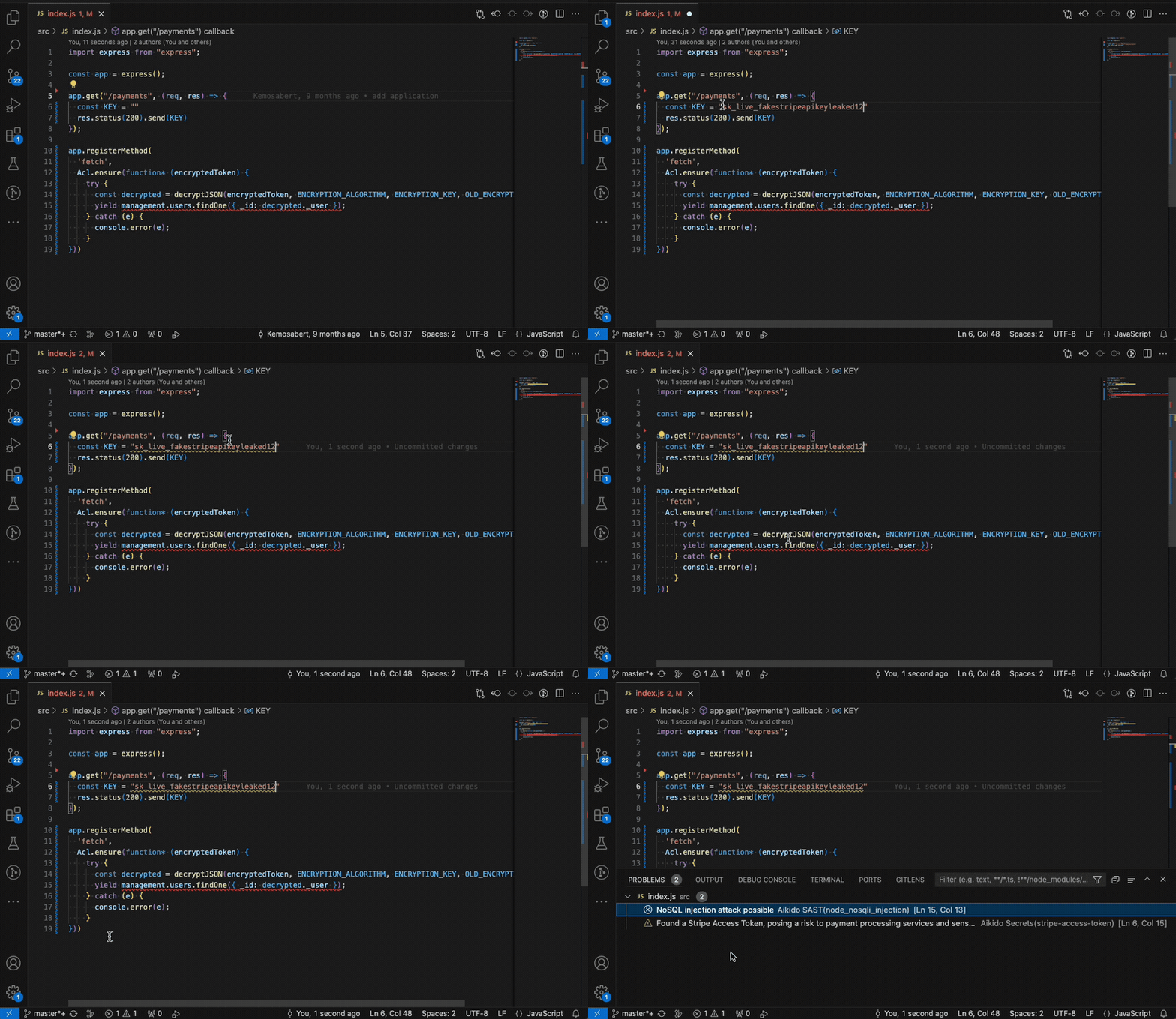
Open Extensions and Install "Aikido Security"
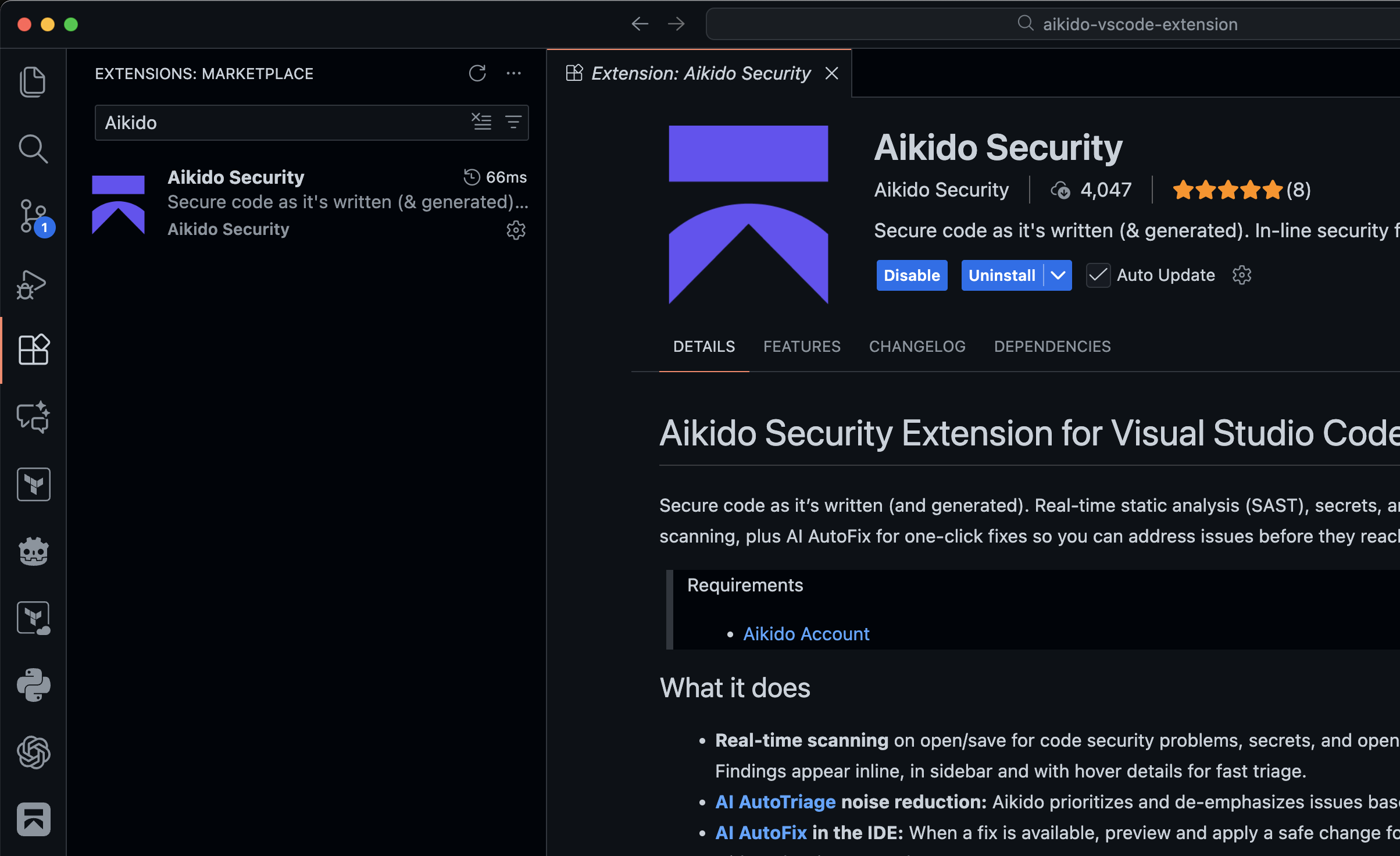
Alternatively use these links to go to the Marketplaces
Authenticate with Aikido
 Open the Aikido plugin by clicking on the sidebar icon and click on "Connect to Aikido" to authenticate with Aikido platform.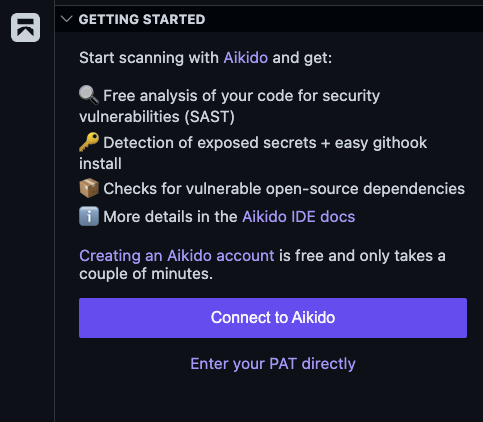
Alternatively you can open up the Command Palette and run
Aikido: Log InIf the automated authentication does not work you can manually create a personal access within Aikido by going to the Integrations page and following the instructions.
Try out our examples
Below you can find an example
index.jsfile that can be used to verify if the extension is working correctly, it should detect one SAST issue (SQL injection) and one exposed secret (SQL Server connection string).const app = {} app.get("/user", (req, res) => { const connStr = "Server=tcp:myserver.database.windows.net,1433;Initial Catalog=mydb;Persist Security Info=False;User ID=myuser;Password=$uperSecret123!@#"; const username = req.query.username const unsafeQuery = `SELECT * FROM users WHERE username = '${username}'` sql.connect(connStr).query(unsafeQuery, (err, result) => { res.status(200).send(result) }) })Turn on Additional Security Tooling
Extend Aikido in your IDE with Expansion Packs like MCP for AI agents, pre-commit hooks, and Safe Chain. For more details, see the documentation below.
Aikido Expansion Packs
Now that the plugin is installed, you can dive into the features that help you spot security issues while you work:
Real-time SAST, Secrets and IaC scanning in IDE Code Quality in IDE Open-Source Dependency Scanning (SCA) in IDE Full Workspace Scan in IDE Aikido AI in IDE VS Code - Extension Keeps Disconnecting VS Code - Information for Support