
Quay.io Cloud Registry
You can integrate your Quay.io container registry with Aikido to scan your containers for known vulnerabilities. Note that this only works for organization accounts, not for user accounts.
Follow the simple steps below to activate this feature:
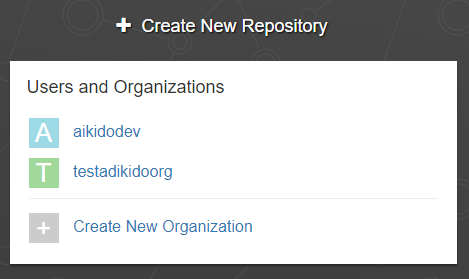
Step 1: Log into your Quay account, go to Repositories via the top menu. On the right there should be a menu that lists the organizations. Click the organization you wish to link.
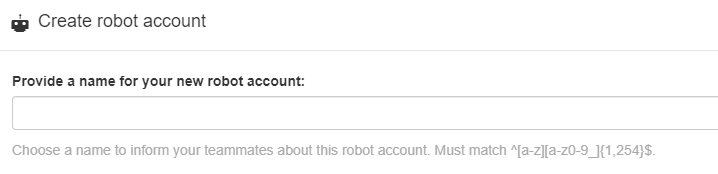
Step 2: On the left-hand side menu, click 'Robot Accounts'. Then create a new Robot Account called Aikido. Grant it permissions to your repositories.
Step 3: Click the name of the bot you just created to view credentials, copy the name and token.
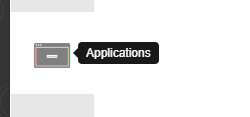
Step 4: Back in the organisation detail page, then click 'Applications' on the left-hand side menu.
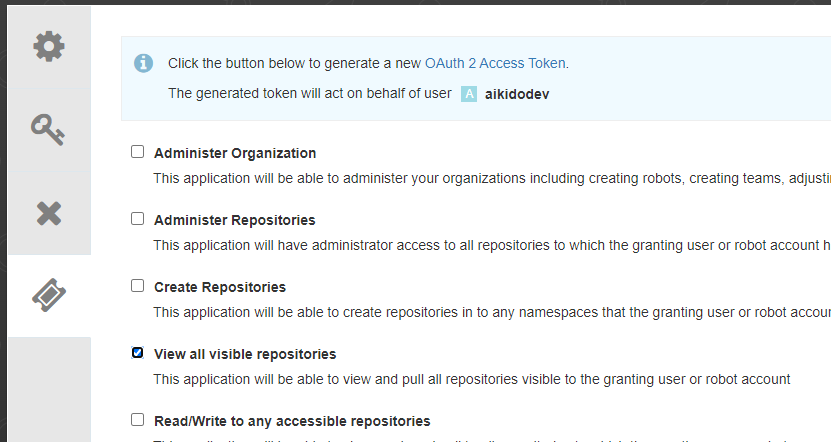
Step 5: Create a new app called 'aikido'. Then click generate token on the left. Add the scope "View all visible repositories", then click 'Generate token', and copy the access token from the resulting screen.
Step 6: Enter the collected data in Aikido (direct link: https://app.aikido.dev/settings/container-image-registry/add/quay)
Copy the organization name from the top of the page in Quay.
Step 7: Aikido will now find all container repositories you can access and list them.
Step 8: Repositories can be linked to a code repository in order to perform better deduplication of findings. This step is optional!
Step 9: In the action menu next to the registry, click 'scan repos in registry' to get started. Results will appear in the Feed!