> For the complete documentation index, see [llms.txt](https://help.aikido.dev/llms.txt). Markdown versions of documentation pages are available by appending `.md` to page URLs; this page is available as [Markdown](https://help.aikido.dev/code-scanning/scanning-practices/enhancing-security-with-access-control-checks.md).

# Access Control Checks

Aikido's checks on Access Controls offers robust security by informing about critical access control practices. This way, you can ensure that only authorized and verified changes are made to your codebase. Some examples of checks are multi-factor authentication, restricting default access rights, and requiring mandatory code reviews.

> All Access Controls checks [can be found here](https://app.aikido.dev/repositories/access_control).

### Prerequisite <a href="#prerequisite" id="prerequisite"></a>

* Only available for GitHub Cloud & GitLab Cloud connected workspaces.

### Access Control Setup for GitHub <a href="#access-control-setup-for-github" id="access-control-setup-for-github"></a>

> For GitLab, no extra authorisation steps need to be taken.

**Step 1.** In the Main Feed, filter on **Access Controls.** Click **Authorise on GitHub** in order to allow Aikido scan for configurations related the access controls.
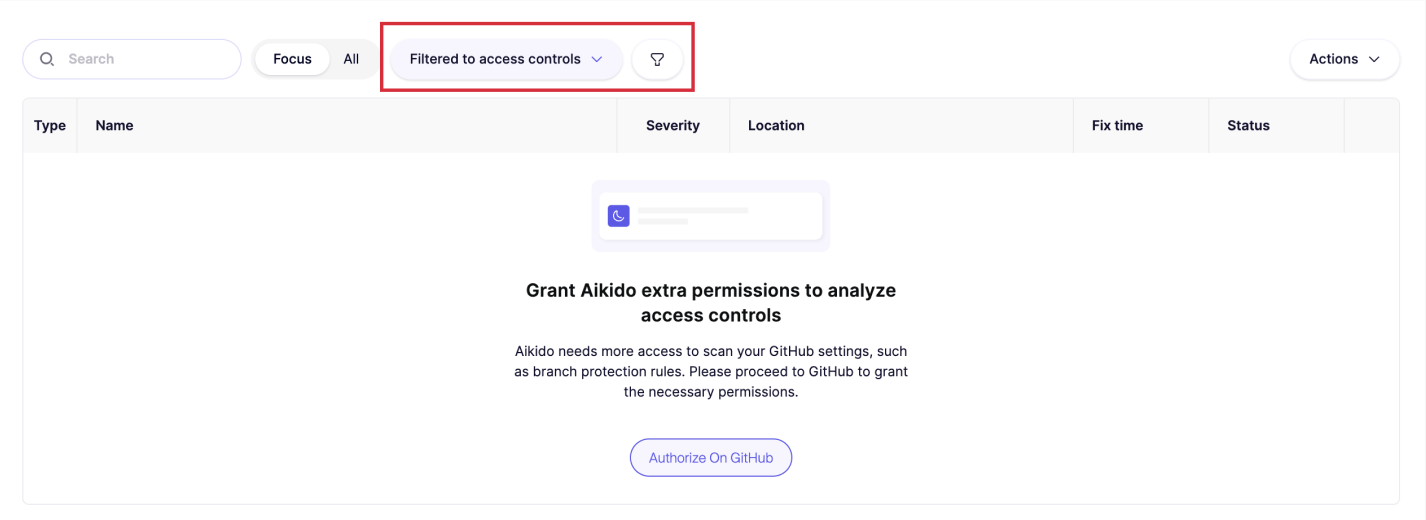
![Access controls filter active; Aikido requests extra GitHub permissions for analysis.](/files/YHk9Ltl8LXIMpjzbXpbX)

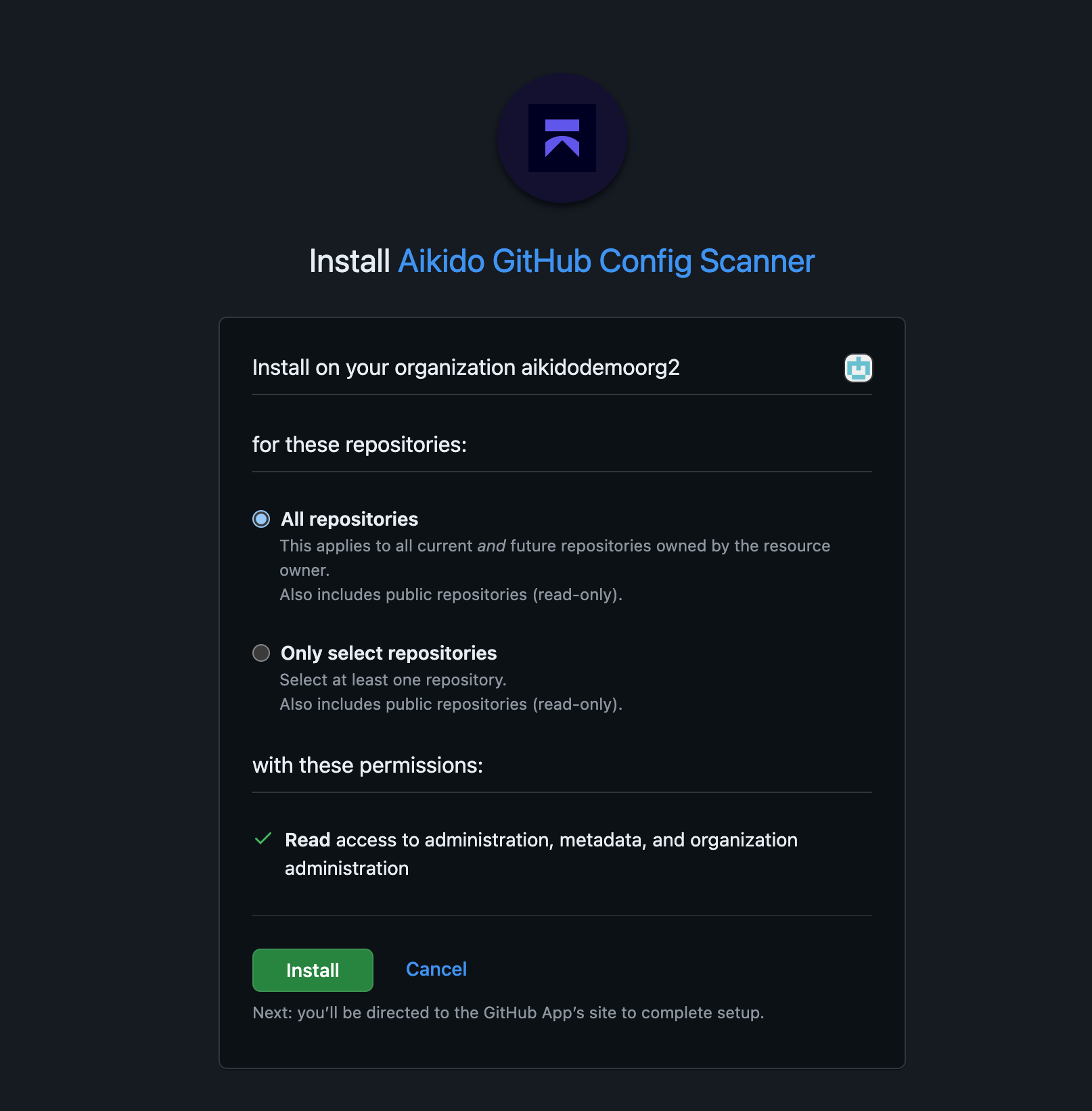
**Step 2.** In GitHub, grant permissions to **install** the Aikido GitHub Config Scanner. It is recommended to select **All Repositories**.

![Installing Aikido GitHub Config Scanner with repository and organization read access.](/files/PDqWGZfhAhENyHnHQ5nR)

**Step 3.** After connecting, Aikido will do a scan for [checks mentioned here. ](https://app.aikido.dev/repositories/access_control)After a couple of minutes, you will be able to view them in the Aikido feed. The sidebar will give more information about which repos need configuration adjustments.
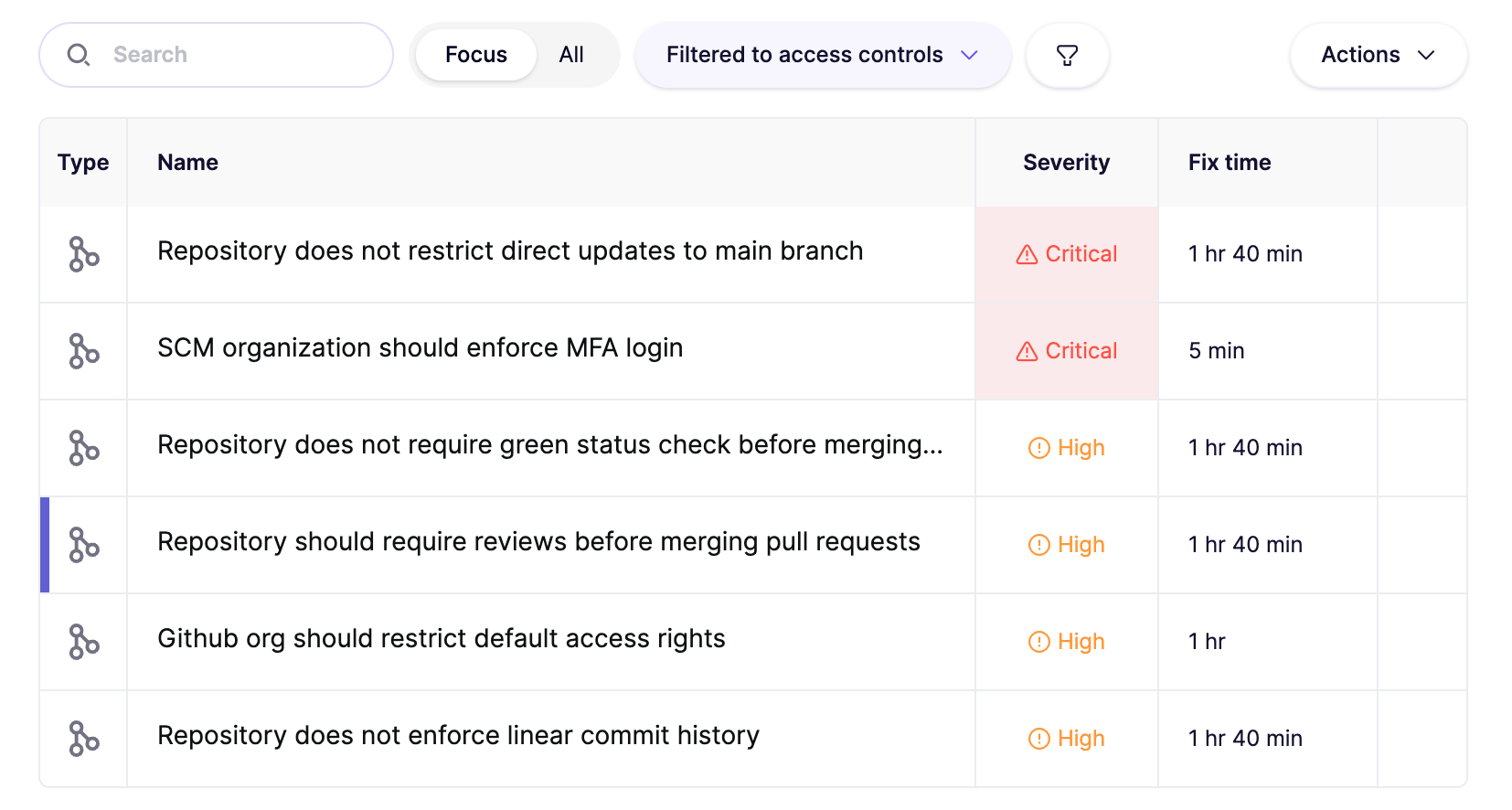
![Access control security issues listed by severity and estimated fix time.](/files/PjFt3grqZEA9Dl1ft49g)


---

# Agent Instructions
This documentation is published with GitBook. GitBook is the documentation platform designed so that both humans and AI agents can read, navigate, and reason over technical content effectively. Learn more at gitbook.com.

## Querying This Documentation
If you need additional information that is not directly available in this page, you can query the documentation dynamically by asking a question.

Perform an HTTP GET request on the current page URL with the `ask` query parameter, and the optional `goal` query parameter:

```
GET https://help.aikido.dev/code-scanning/scanning-practices/enhancing-security-with-access-control-checks.md?ask=<question>&goal=<endgoal>
```

`ask` is the immediate question: it should be specific, self-contained, and written in natural language.
`goal` is optional and describes the broader end goal you are ultimately trying to accomplish on behalf of the user. GitBook uses it to tailor the answer towards what is most useful for that goal.

The response will contain a direct answer to the question and relevant excerpts and sources from the documentation.

Use this mechanism when the answer is not explicitly present in the current page, you need clarification or additional context, or you want to retrieve related documentation sections.