
Setting up Container AutoFix
AutoFix fixes container issues by making changes to the Dockerfile. It rebuilds your image to determine which container issues have been fixed by the change in the Dockerfile (eg. upgrading the base image).
Repository & Dockerfile
AutoFix automatically detects the repository and Dockerfile. In case this automatic detection fails, it can be configured manually on the AutoFix > Cloud > Container page, by clicking Container Settings in the action menu:
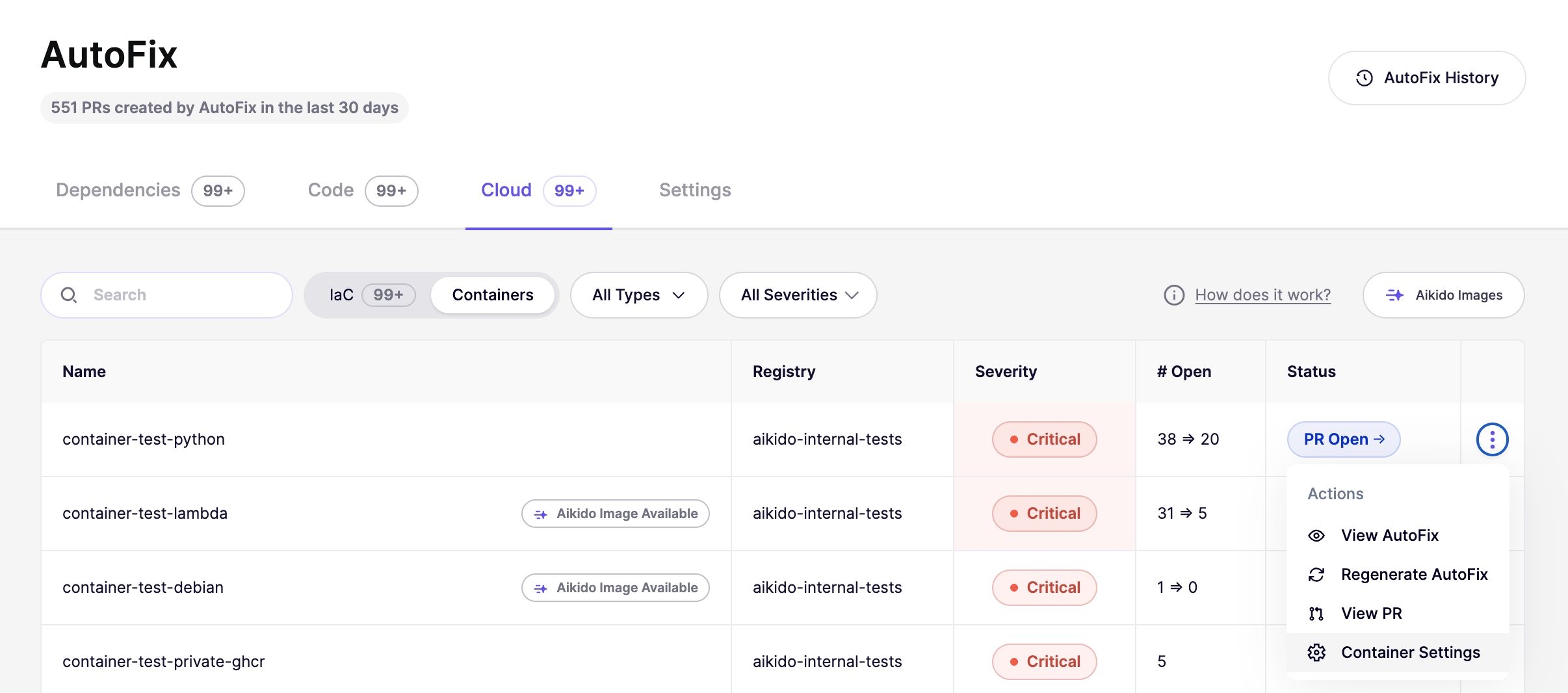
The Container Setting modal allows you to select a repository and Dockerfile:
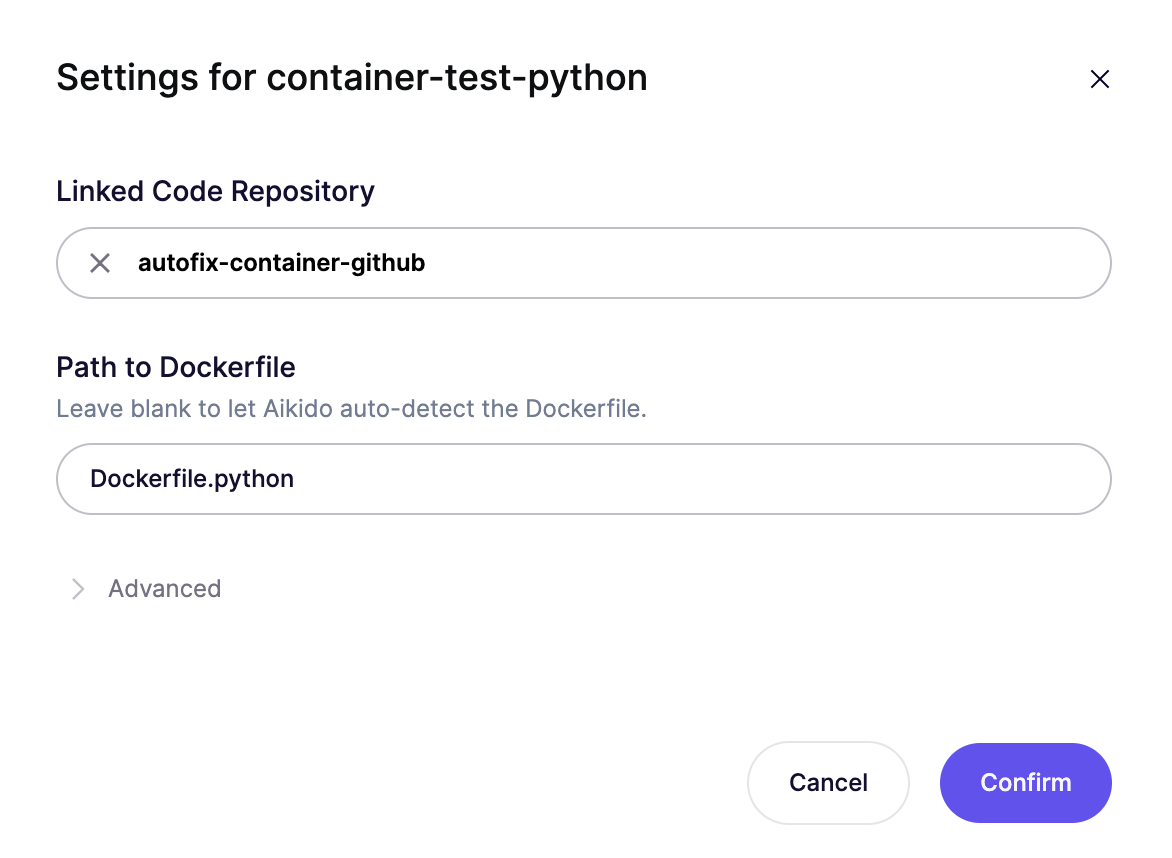
Build Args
In case your container build requires build args, these can be configured in the advanced section in the Container Settings :
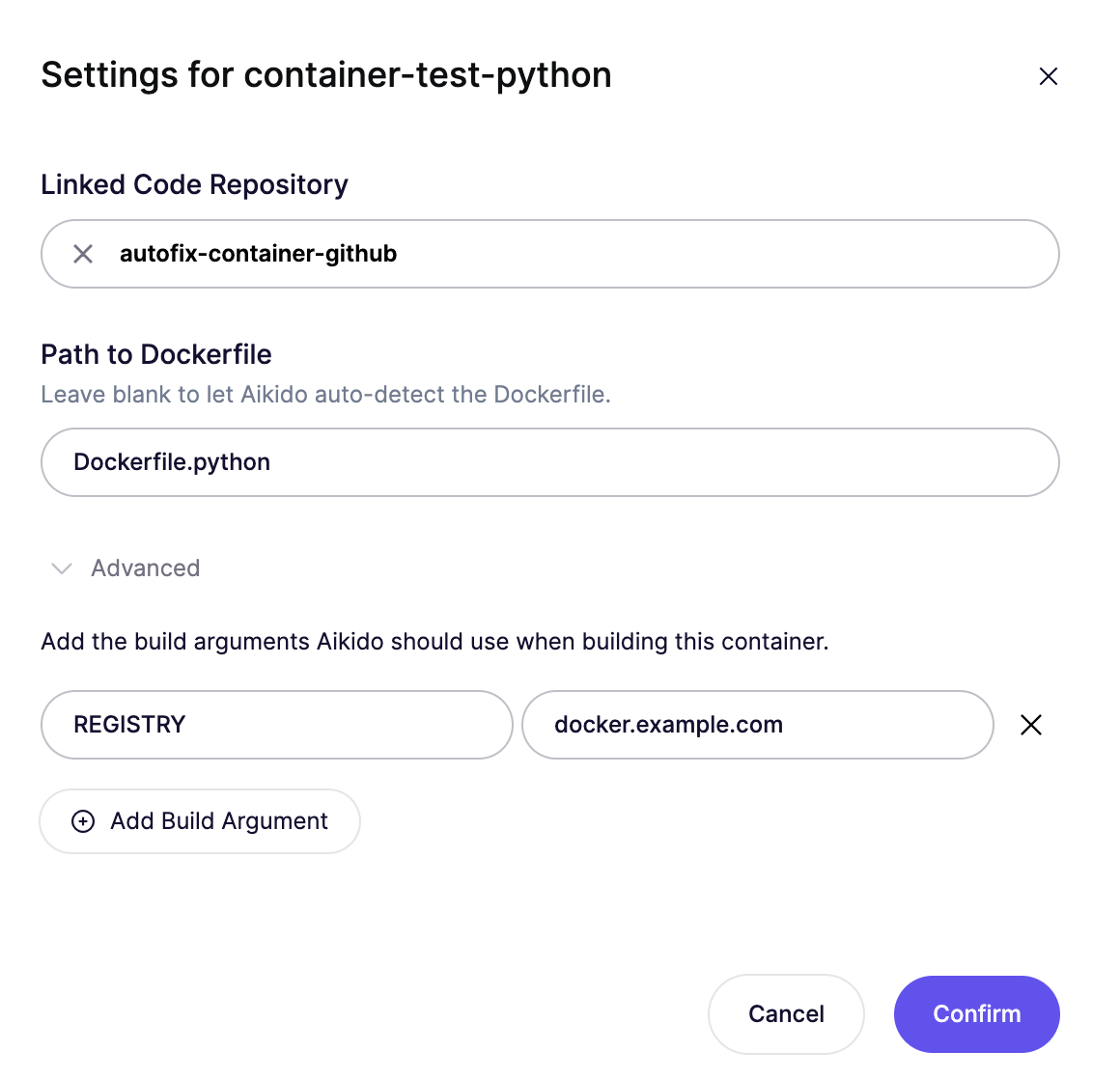
The AIKIDO_TOKEN used for Aikido images will be provided automatically as a build arg, so you don't need to configure it yourself. Any other build arg has to be configured here.
Automated Container AutoFixes
Container AutoFix can automatically create pull requests for base image upgrades. These jobs run daily and a pull request is created when a newer base images solves open container issues.
The Automated Container AutoFixes can be configured on AutoFix > Settings, by clicking Docker containers under Automated PRs:
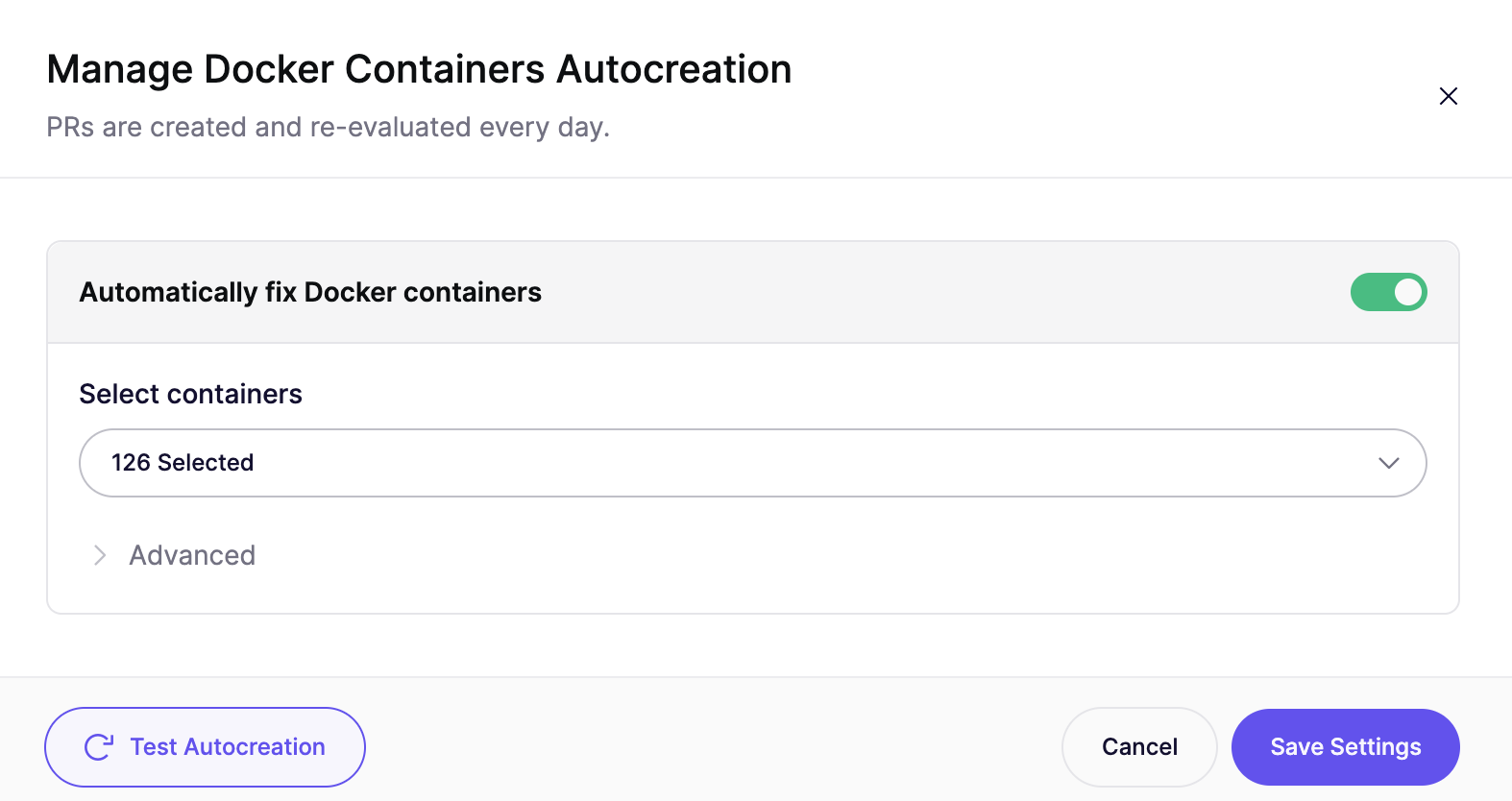
Under advanced you will find the following options:
- Update OS Packages: by default Container AutoFix updates the OS packages in the image (eg.
apt-get upgrade). This helps resolved issues for base images that have not been rebuilt with the latest OS packages, but results in non-deterministic builds. - Default tag pattern: only image tags that follow this pattern will be used by Container AutoFix. For examle if you're using the
-alpinevariant for an image, adding*-alpineas the default tag pattern, will make sure Container AutoFix only suggests tags that end with-alpine. - Image tag rules: works the same way as the default tag pattern, but it the pattern is only applied for images that match the provided name pattern.
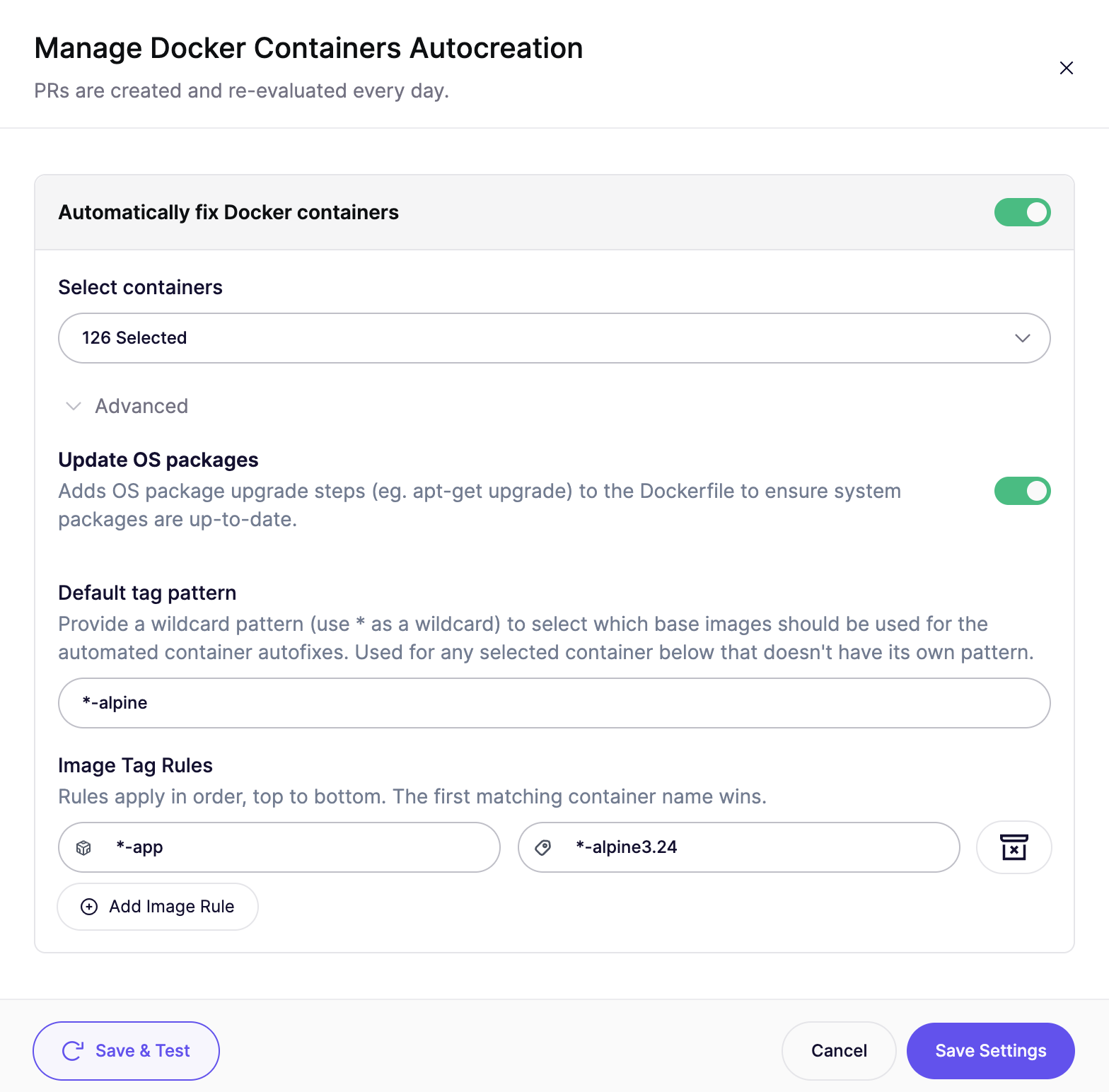
The configuration above enables Automated Container AutoFixes:
- for 126 selected containers
- it upgrades the OS packages
- uses base images ending in
-alpine3.24for images ending in-app - uses base images ending in
-alpinefor all other images
Customizing Container AutoFixes
There are 2 ways to customize a Container AutoFix:
- Fix another way: scans different tags of your base image. Use this to compare the impact of different base images.
- Refine with Aikido AI: can make additional changes to the Dockerfile based on the selected base image.
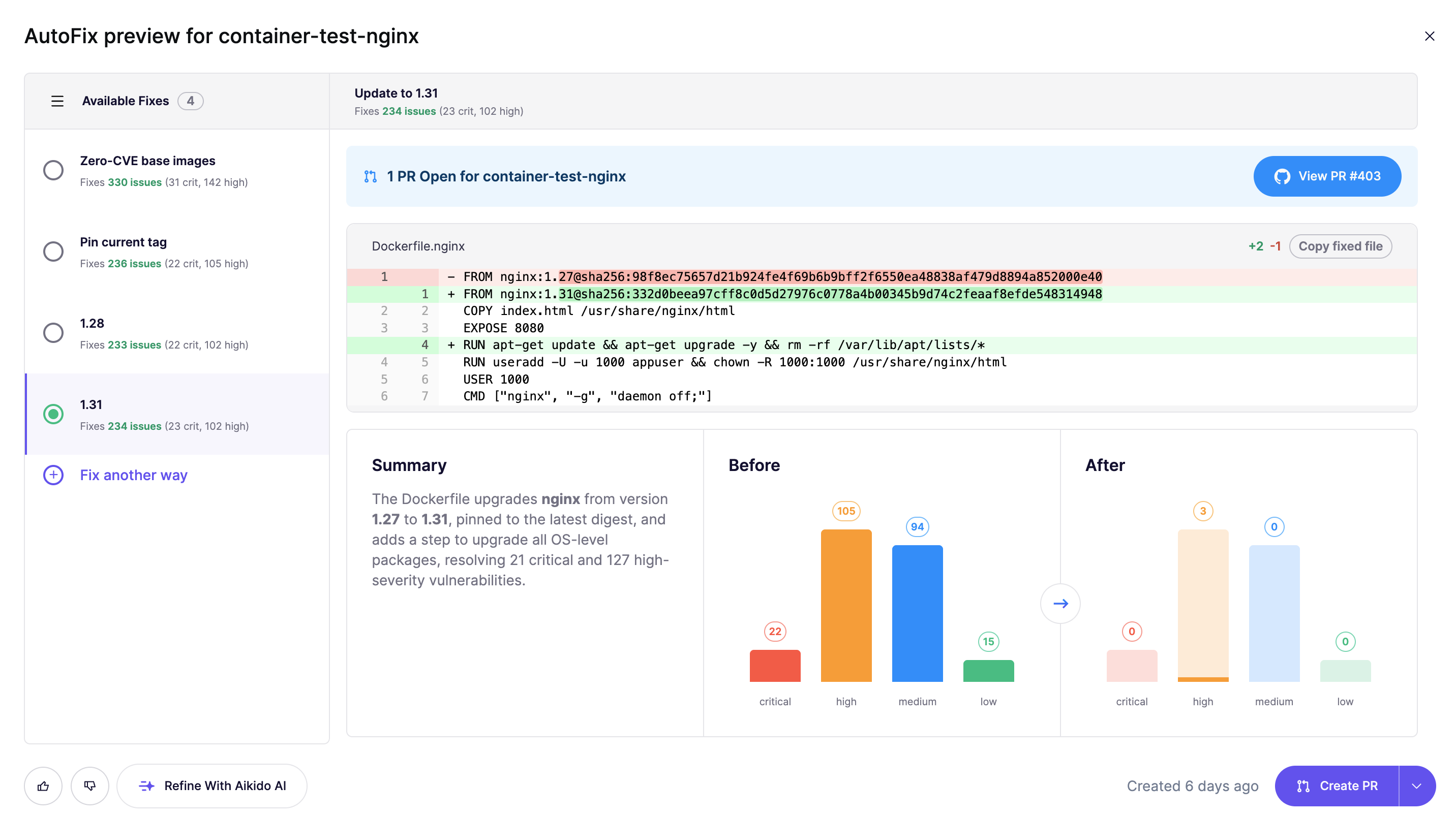
Fix another way
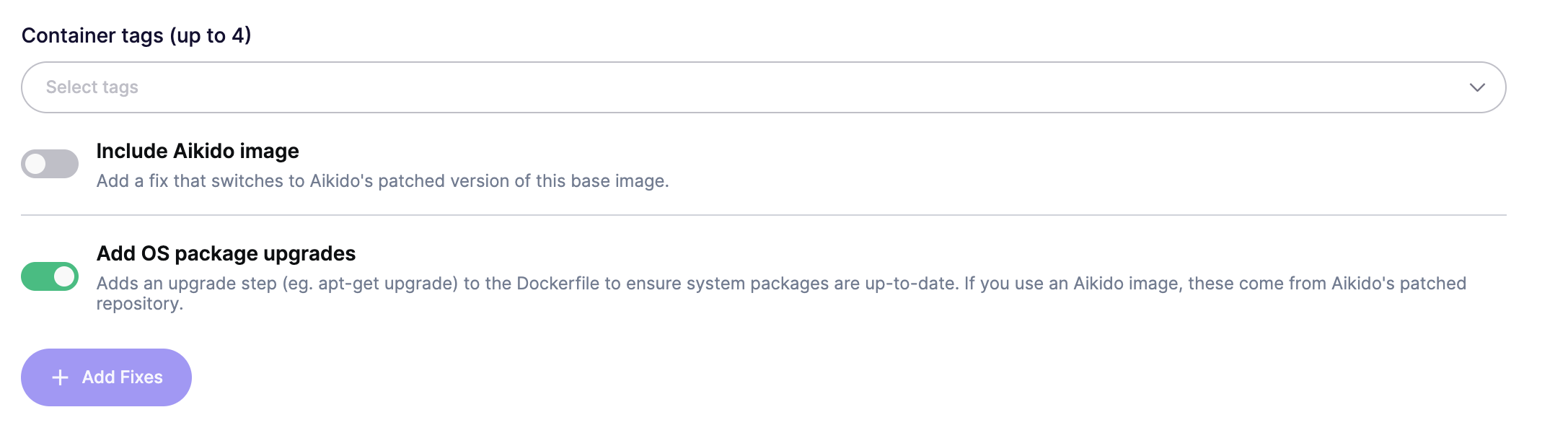
Use this to compare the impact of different base images, you can select up to 4 additional base images to scan. The configuration allows you to disable adding OS package upgrades.
Refine with Aikido AI
Provide natural text instructions on the changes you want to make to the Dockerfile. Container AutoFix will make the changes to the Dockerfile and rescan to determine which issues are fixed by the change. Can be used to:
- using a different base image
- update versions of binaries installed in the Dockerfile
- changing the pinned versions of OS packages